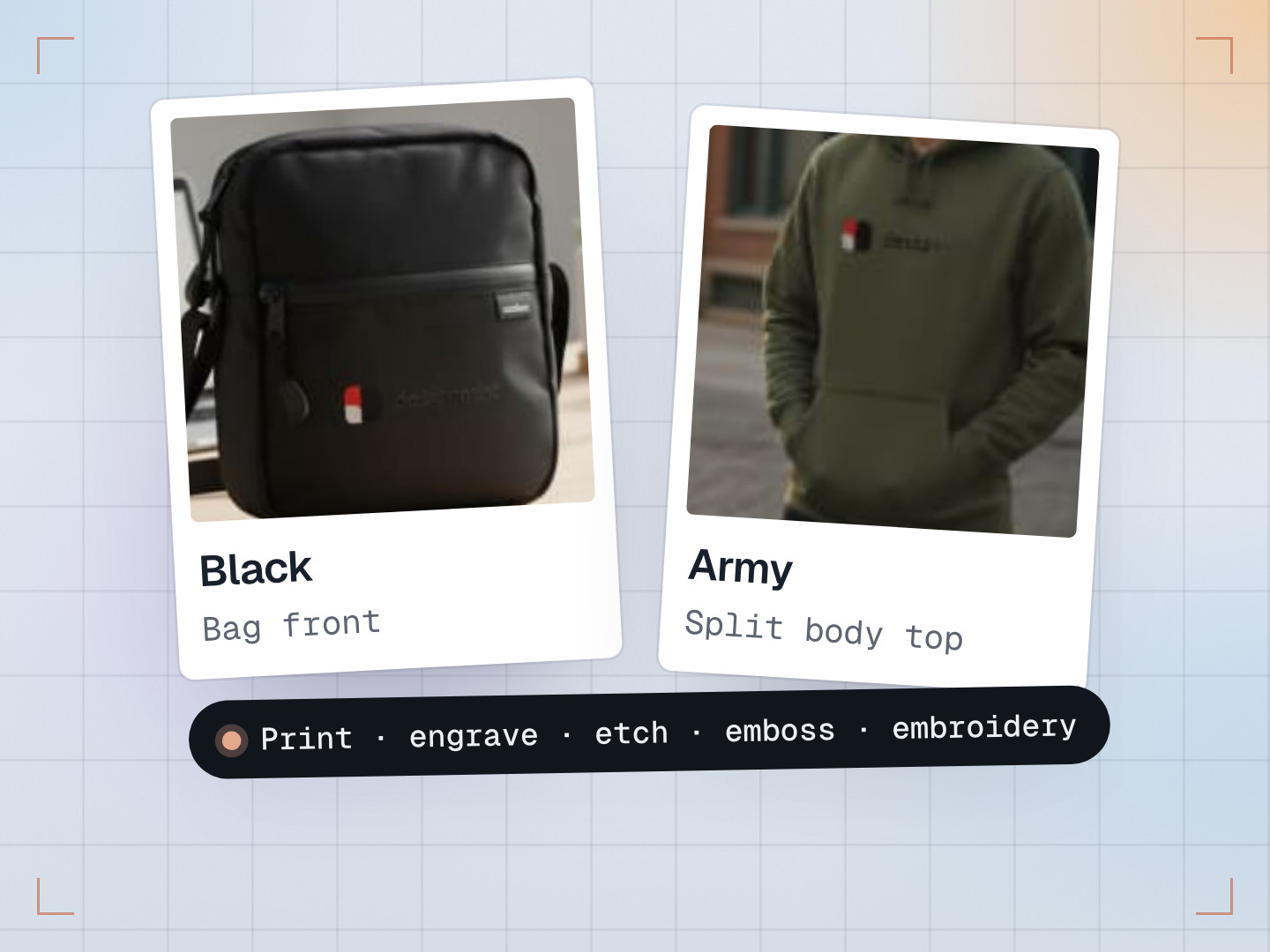
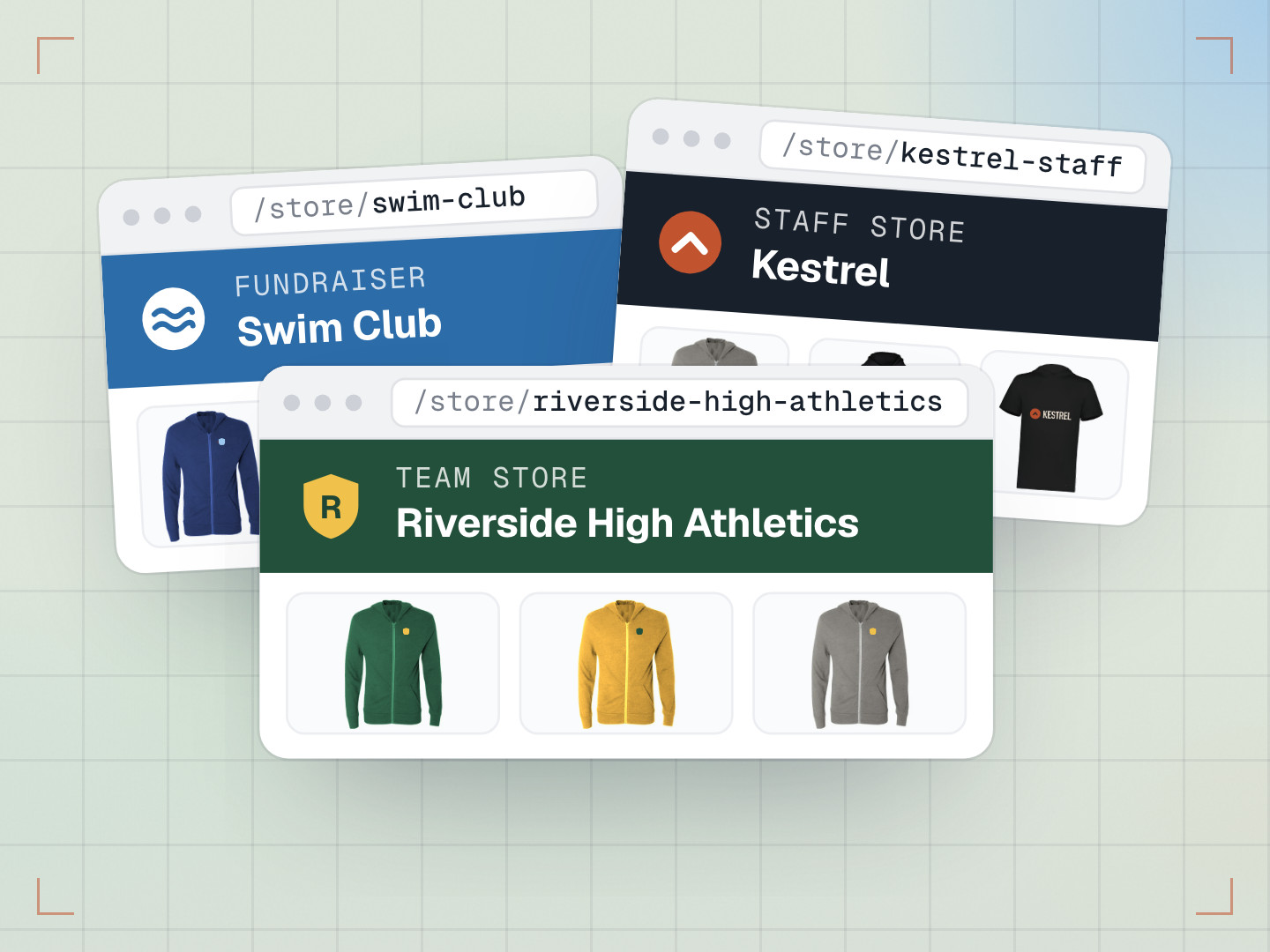
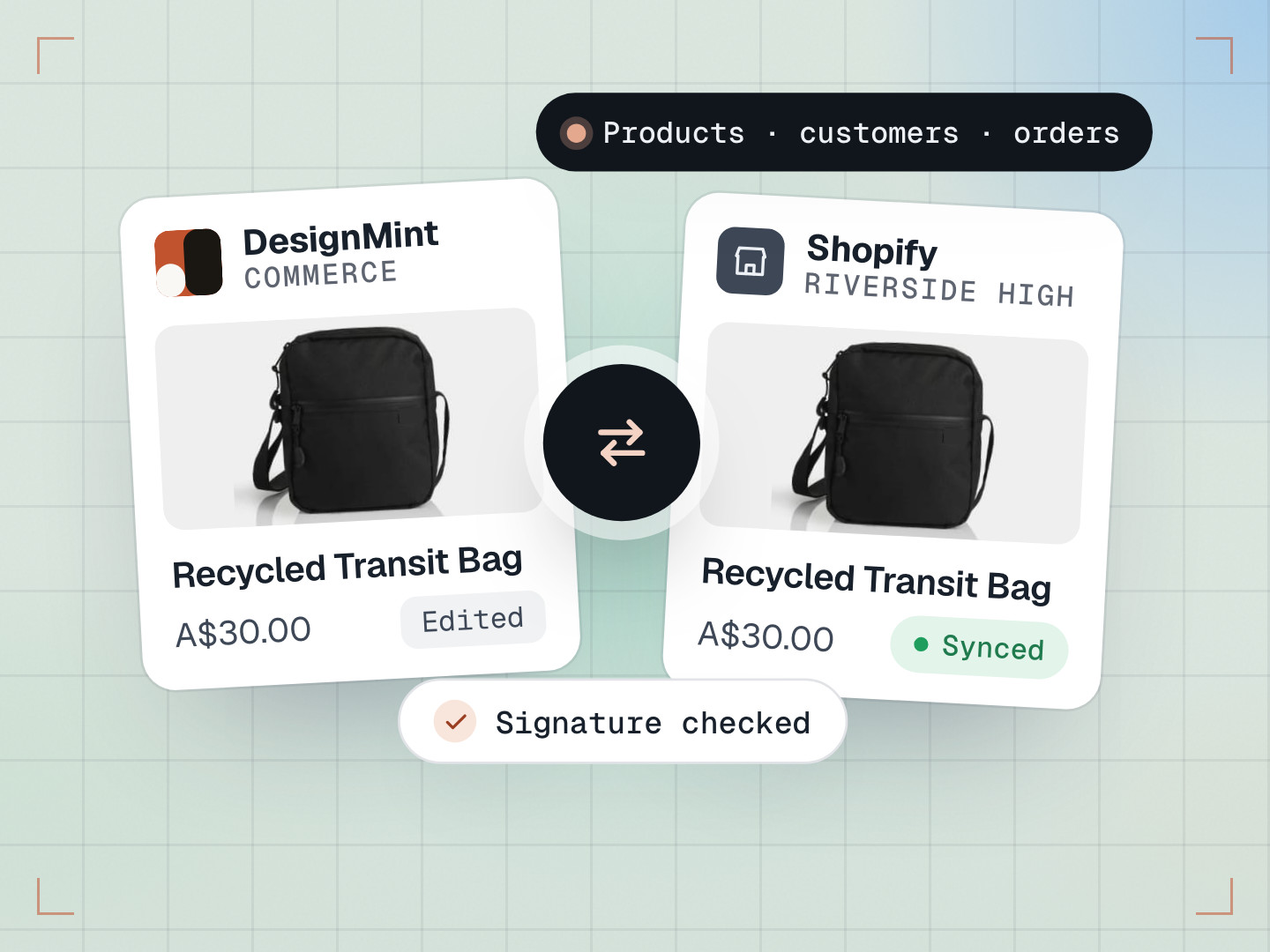
Picture a decorator pitching a high school athletics department. The fastest way to win that order is to show the coach their own logo on the hoodies, caps and tanks they’d be buying. Until recently that meant an evening in Canva: download product photos, paste the logo onto each one, line it up by eye, export a PDF, and start again when the client asks for a different colour.
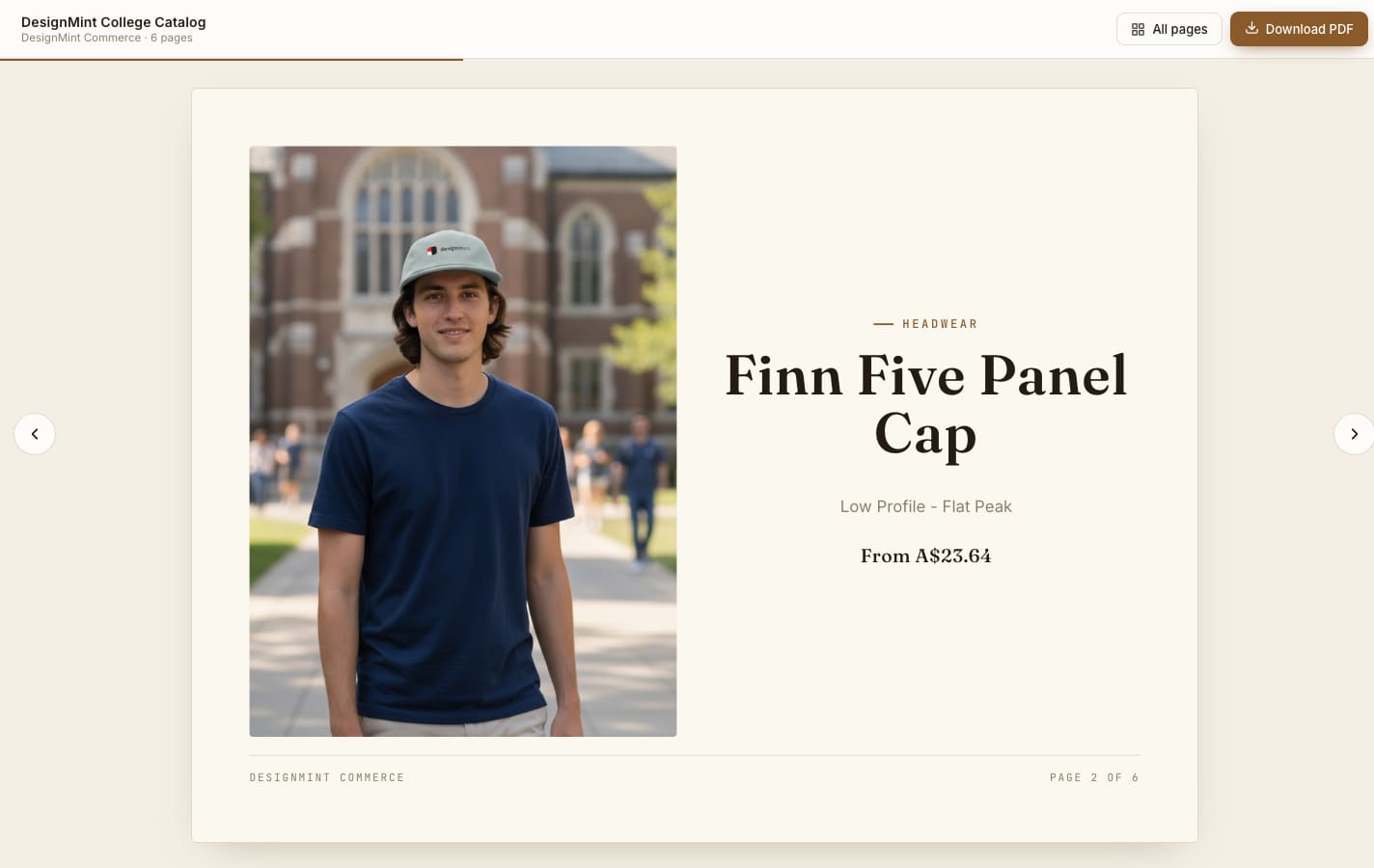
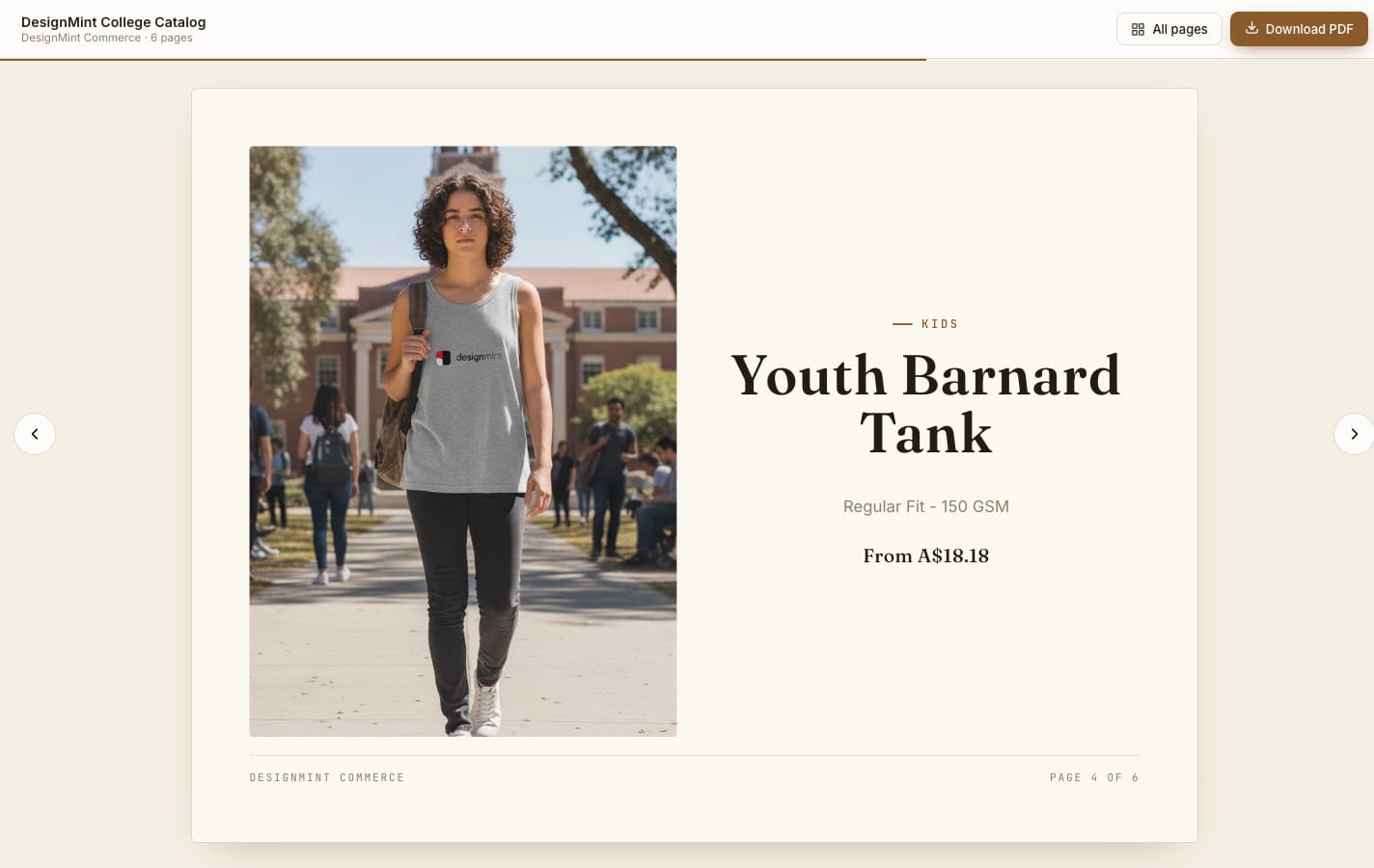
A lookbook does all of that from your catalogue. Pick the products, drop the client’s logo on, choose a style, and you get a polished book you can share as a link or download as a PDF, with a working “Order now” button on the last page.
What a lookbook is, and why decorators use them
In fashion, a lookbook is a styled catalogue: products shown on people, in real places, with just enough detail to make someone want them. For a decorator it’s a sales tool. It answers the client’s real question, “what will our stuff look like?”, before they’ve spent anything. A good one turns “we’ll think about it” into an order.
The three steps
- Hoodie
- Cap
- Tank
- Tee
ProductsChoose what goes in the book, straight from your catalogue.
- Print areaColour and logo
Pick the colourways and place the logo. You can only drag it inside each product’s real print area, and the server checks the same limit, so nobody can put a logo somewhere it can’t actually be printed.
Checked on the server - AtelierStyle
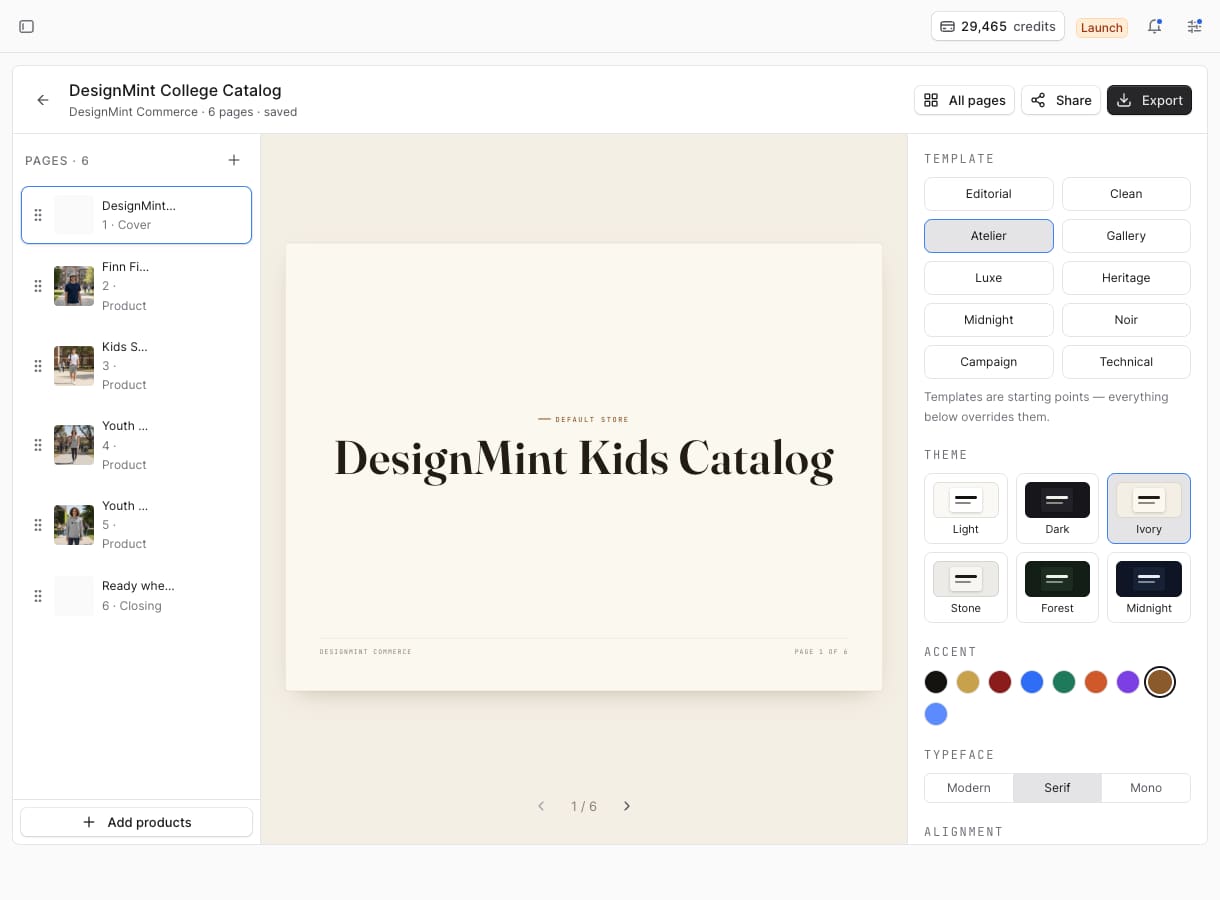
Choose one of ten templates and six themes. Everything after that is an override, so you can start from a template like “Atelier” and still change the accent colour.
10 templates · 6 themes
Why the order of the steps matters
The lookbook engine can create an AI lifestyle photo for every page: the product on a person, on a campus, in good light. It’s a lovely feature with one catch. Left alone, it starts generating the moment a book exists, and you get a beautiful photo of a blank hoodie with no logo on it. For a sales tool built to show the client’s logo, that’s exactly the wrong result.
So the steps run in a strict order. The book is created with image generation switched off. Then the logo is burned into each product photo on the server. Then the branded photo becomes the page’s main image. Only then do we ask for lifestyle shots, and only for pages where the branding worked. If branding fails on every page, nothing is generated at all, so you never pay for pictures you can’t use.
The general lesson: when one step depends on another, don’t let the faster step run first just because it can. Make the order explicit.
Place a logo once, use it on every product
The logo can only be dragged inside the print area recorded for each product, and the server enforces the same limit. Logo positions are saved as fractions of the photo, not as pixel coordinates. A logo placed 20% in from the left stays 20% in from the left whether the photo is 800 pixels wide or 4,000. The position, size, colourway and print area are kept with each page, so a placement can be reused or undone later.
“Apply to all” goes one step further. It copies the position relative to each product’s own print area. That’s why a left-chest logo lands on the left chest of a tee, a hoodie and a polo, even though the chest sits in a different place in each photo.
- TeePlaced
- HoodieApplied
- PoloApplied
- Same spot inside each print area
- Where that lands in each photo
One page size, three ways to see it
Every page sits on a fixed 1120 × 840 canvas. The editor, the share link and the PDF are the same document shown at different zoom levels, so what you design is exactly what the client sees and exactly what prints.
One small detail we’re proud of: the closing page stored an “Order now” link, but drew it as plain text. We added a thin layer that puts a real link on top of it, so when Chrome saves the page as a PDF, the button still works. A PDF that sells, not just one that looks nice.
What we learned
- The best sales tools answer one question quickly. For merch, it’s “what will it look like with our logo?”.
- AI images are only useful when they show the real product, decoration included.
- Save positions as proportions. Pixel sizes change; proportions don’t.
Common questions
Can I share a lookbook without sending a file?
Yes. Every book has a share link that opens in any browser, and you can also download it as a PDF with a clickable “Order now” button.
Do the AI lifestyle photos keep the client’s logo?
Yes. Lifestyle photos are only made from the branded product photo, after the logo is in place, so the decoration is part of the picture from the start.
What does a lookbook cost?
Creating a book uses 10 credits from your wallet, on plans that include lookbooks.