A lot of a decorator’s best business comes from small groups that order again and again. The Riverside High athletics team needs a shop where parents can order hoodies. A local company wants a staff store for uniforms. The swim club runs a fundraiser every spring. Each group wants its own logo, its own products already decorated, its own prices and a link they can share. And none of it should ever show up in the decorator’s main shop.
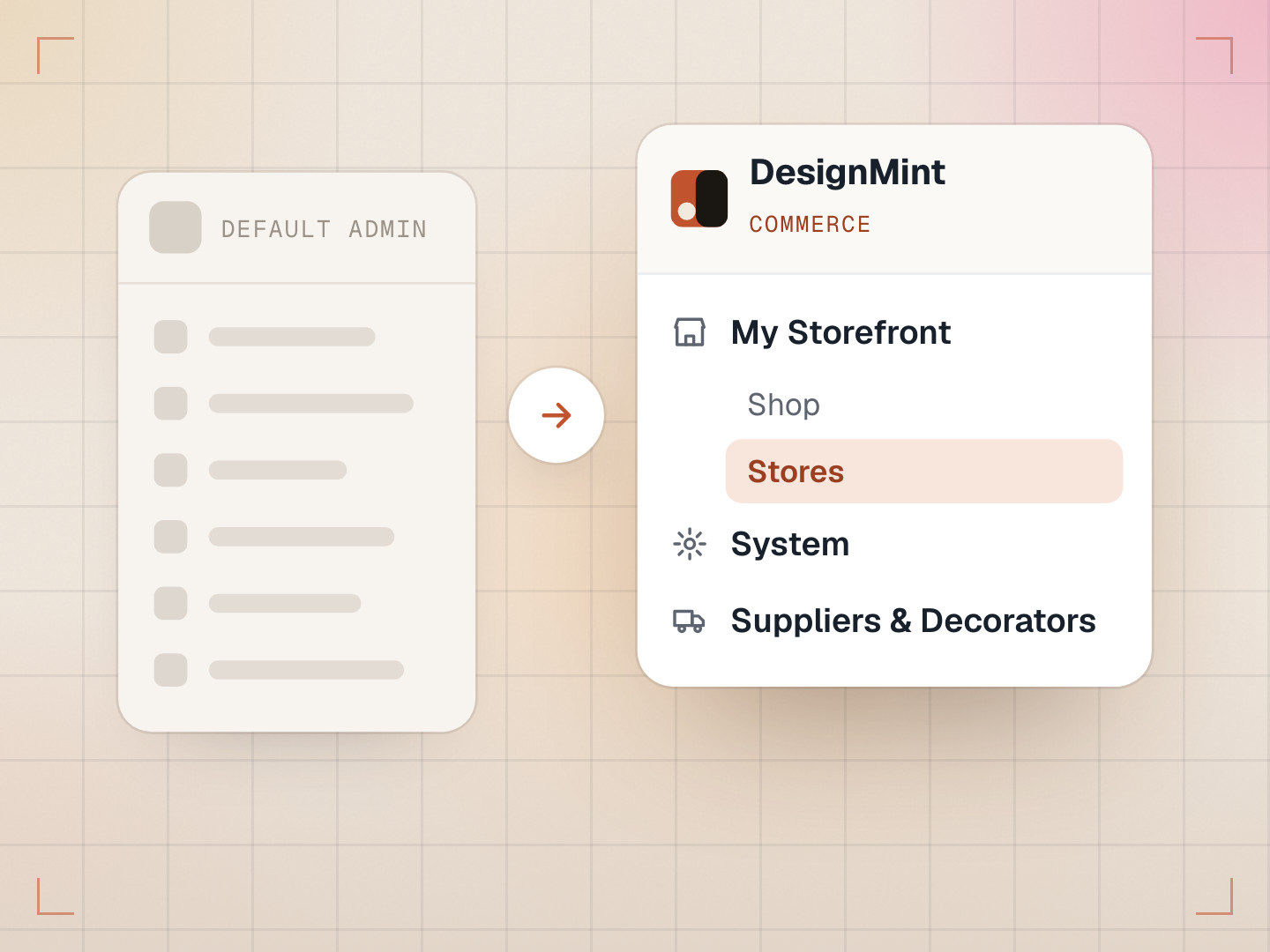
That’s what microstores are. Each one is a small branded shop, and they all run on the same DesignMint Commerce storefront, each at its own address, like /store/riverside-high-athletics.
Why one storefront for many shops
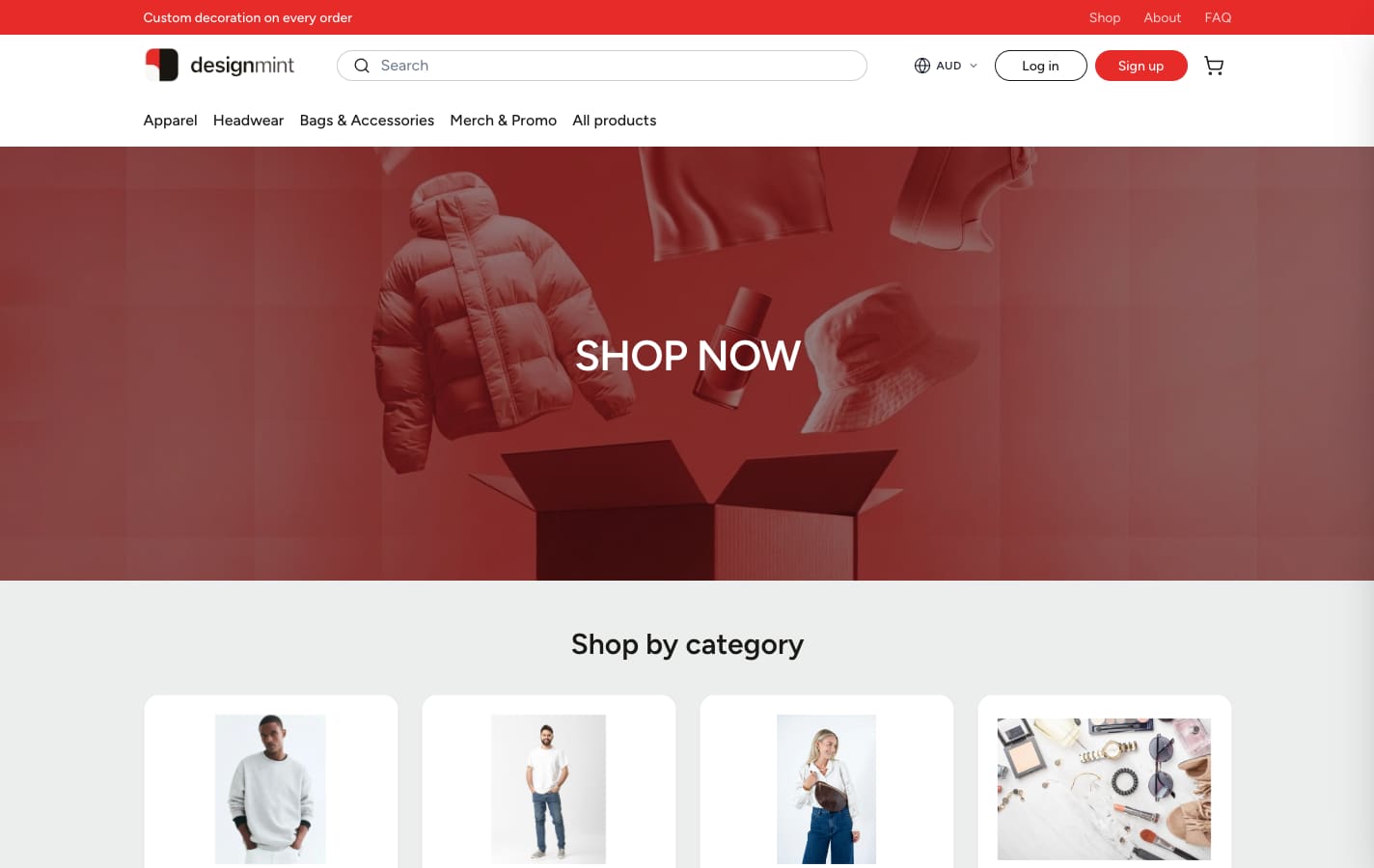
Running every shop on one storefront keeps life simple: one design to look after, one checkout, one place to fix a bug. The hard part is making sure each shop only ever shows its own products.
The obvious approach, and why we didn’t take it
The quick way is to tag every product with a store name and filter on that tag. It works until someone writes a new query and forgets the filter. Then the team’s custom hoodies, at the team’s price, appear in your main shop for everyone to see.
So we used sales channels instead. A sales channel is a list of products a storefront is allowed to see. Every microstore gets its own channel, created before the store itself; if the store fails to save, the channel is removed too, so nothing is left half-built.
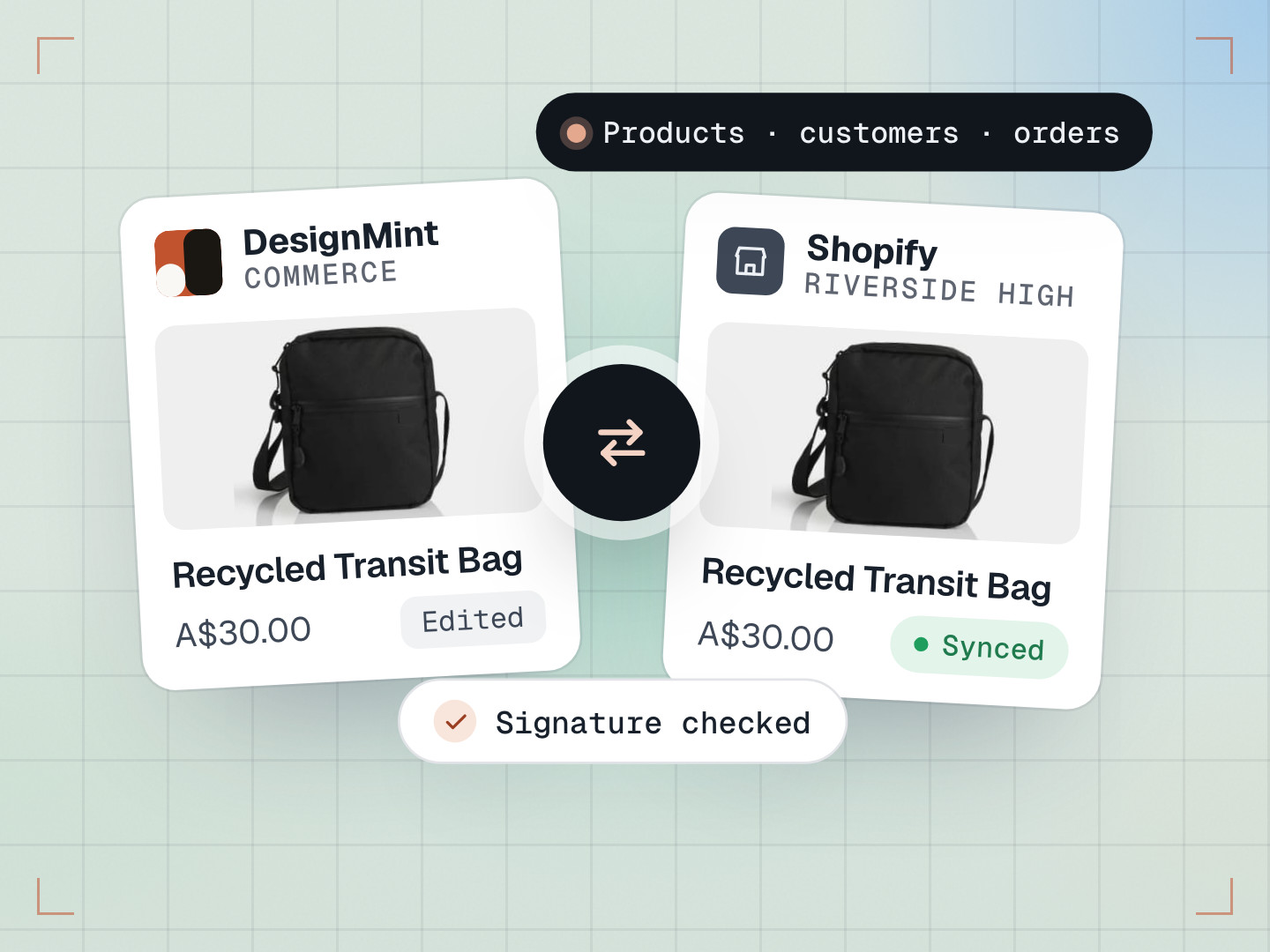
When you add a product to a store, DesignMint Commerce makes a decorated copy of the blank product that exists only on that store’s channel. The original blank stays in your main catalogue. Your main shop can only see the main channel, so a store product can’t leak into it, even if a filter is forgotten somewhere.
- HoodieNo decorationBlank
- TeeNo decorationBlank
- Main channel
- Any store’s channel
- HoodieTeam logoDecorated copy
- TeeClub logoDecorated copy
The idea worth borrowing: keep things apart by structure, not by remembering to filter. Structure doesn’t forget.
Prices that don’t creep up
Store prices are always worked out from the original blank, never from the store’s copy. Otherwise, every time someone opened and saved a product, the markup would be added on top of the last markup, and prices would slowly climb.
The formula is easy to follow: blank cost times your markup, plus the decoration charge, plus a 50-cent print-on-demand fee. For example, a $12 blank with a 1.8× markup and a $4 decoration charge comes to $26.10. The admin then suggests a friendlier price ending in .49, .95 or .99, like $26.49, and never goes below the formula’s price.
- Blank cost$12.00The original blank, not the copy
- Markup× 1.8$12.00 × 1.8 = $21.60
- Decoration charge$4.00
- Print-on-demand fee$0.50
- Formula price$26.10The suggestion never goes lower
Below the formula price: never suggested
Bugs we hit, and what they taught us
- Two buttons, one product. Autosave and the Continue button could both create the same product at the same moment, and the second one failed with “a product with this handle already exists”. Each store now takes a lock while it adds products, so only one can run at a time.
- Ghosts of deleted stores. Deleting a store and creating a new one with the same name left the old copies behind, with clashing names. They’re now cleaned up when the new store is set up, and the System Health page checks for leftovers.
- A cookie that remembered too much. An early version remembered your last store for 30 days, so visiting the main site could drop you into a team shop. Now the web address is the only thing that decides which shop you’re in.
- $0.00 in Australia. Shoppers browsing in Australian dollars saw store products at $0.00, because store prices only existed in US dollars. Store products are now priced in the store’s own currency region.
What we learned
- Separation should be built in, not remembered.
- Calculate prices from the source, never from a copy.
- When two parts of an app can do the same thing at once, assume they will.
Common questions
What is a microstore?
A small branded online shop for one group, such as a team, a company or a fundraiser, with its own logo, decorated products and prices, running inside your DesignMint Commerce storefront at its own address.
Will store products show up in my main shop?
No. Each store has its own sales channel, and your main shop can only see the main channel.
What does it cost to publish a store?
Publishing a store uses 5 credits from your wallet.