Plenty of shops already sell on Shopify and don’t want to give it up. They want DesignMint Commerce for the decoration side, meaning the studio, the pricing and the production files, and Shopify for the shop they’ve spent years building. That only works if the two stay in step: a product added in one shows up in the other, and an order placed in either one arrives in both.
Shopify Sync does that in both directions, for products, customers and orders. Each microstore connects its own Shopify shop.
What two-way sync really involves
One-way sync is copying. Two-way sync is a conversation, and conversations can go wrong in interesting ways. When DesignMint updates a product in Shopify, Shopify replies “this product changed”. If DesignMint then updates Shopify again because of that reply, you’ve built an echo that bounces forever. Most of the work in two-way sync is telling real changes apart from your own changes coming back.
- 1Update the productWe remember what we just sent
- 2“This product changed”Our own change, echoing back
- 3Sent by us under 10 seconds ago? Ignore it.No update goes back
- Without that check: update again…and the echo bounces forever
Starting from older code, carefully
The sync started life in an earlier project built on an older version of Medusa (2.8.4, with zod 3). DesignMint Commerce runs on 2.18 with zod 4. We didn’t copy it across as it was. We read it line by line, and that close reading turned up eight bugs that had come along for the ride. Two of them were serious:
- Prices were 100 times off in both directions. The old code assumed prices were stored in cents; Medusa 2 stores them in dollars. A $25 hoodie could become $2,500, or 25 cents. One conversion function now handles every price.
- Incoming messages from Shopify weren’t being checked when no secret was set up. Now every message must carry a valid signature, and anything without one is turned away.
The rest were smaller: a value read outside the block where it was created, counts that always showed zero, and exported products losing their options, so Shopify answered every variant with “variant already exists”.
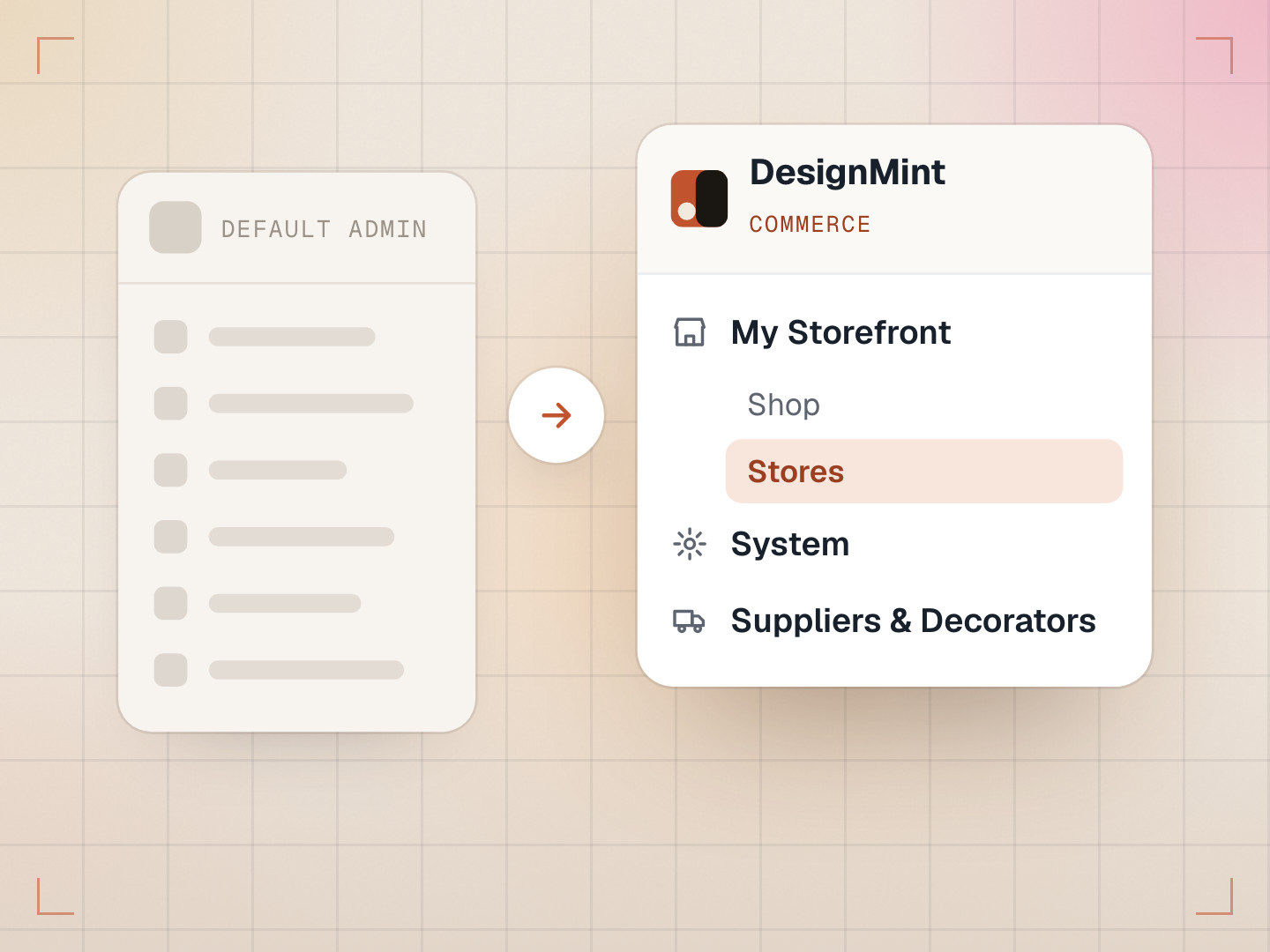
Some changes were about structure. Shopify login details moved into DesignMint Commerce’s encrypted integration store instead of a separate place of their own. And every action that changes data now runs through a workflow, a step-by-step process that can be retried and undone, because our build checks refuse to ship code that skips it.
Then every store needed its own Shopify
Twelve days after the port, microstores arrived, and each store needed to connect its own Shopify shop. The old code had one function to fetch “the” Shopify connection, with no way to say which store you meant. A product pushed from one store could have landed in another store’s Shopify.
The fix was small but strict. Every Shopify function now has to be told which store it is working for, and leaving that out is an error the code won’t build with, so it’s impossible to forget. A store’s “push all” only pushes that store’s catalogue, and incoming messages are matched to the right store by the Shopify shop’s address. A message from a shop we don’t recognise is turned away instead of guessed at.
Make the mistake impossible, not just unlikely. A required field you can’t skip is worth more than a comment that says “remember to pass this”.
Why the signatures kept failing
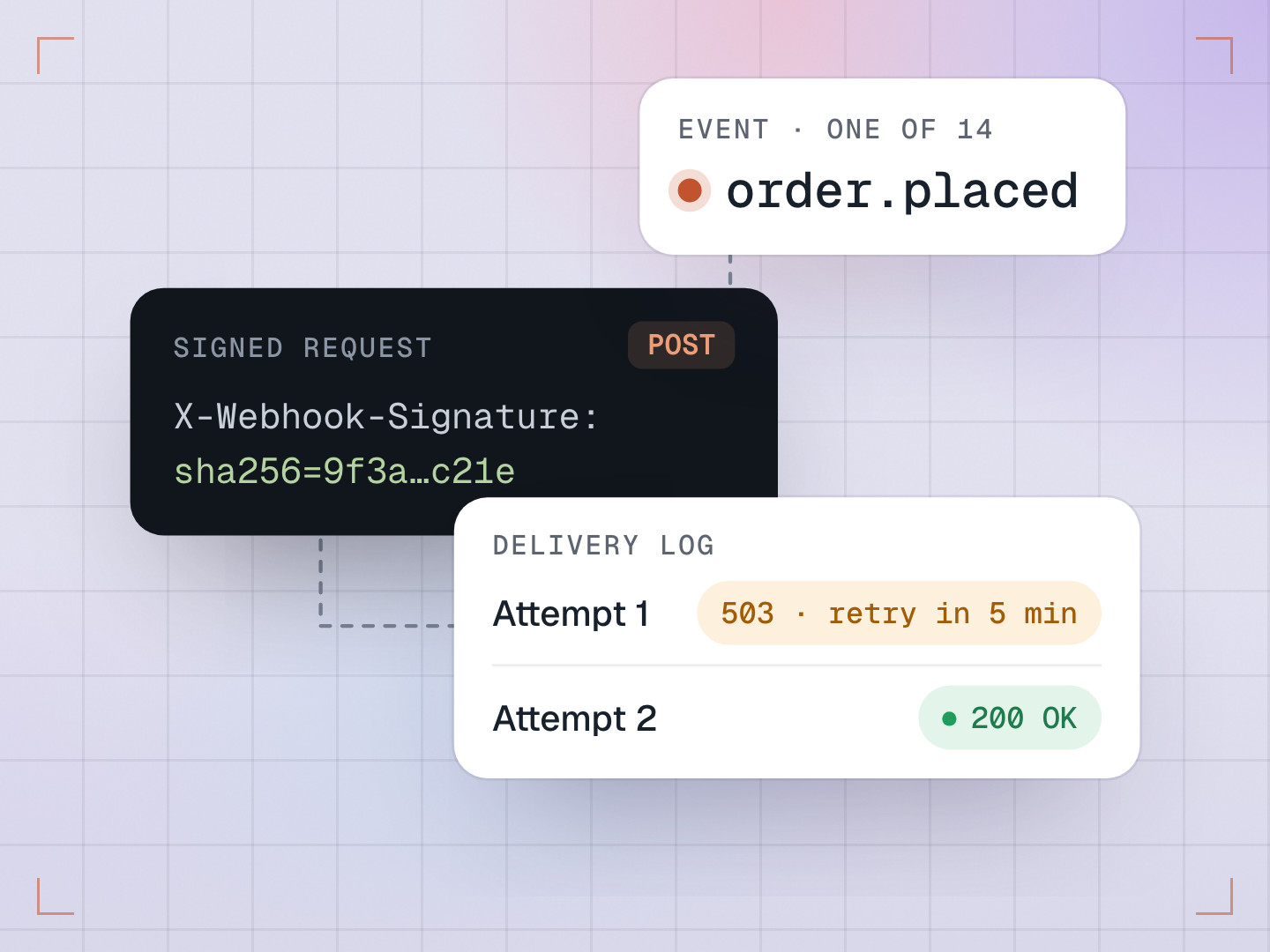
Shopify signs every message with a code made from the message itself and a secret both sides know. You make the same code on your side; if the two match, the message is genuine and nobody changed it on the way. Simple in theory. In practice, six commits in one day were titled “shopify webhook fix”.
There were two separate causes. First, we were turning the message into text before checking it. Converting raw bytes into text can quietly change a few of them, so our code no longer matched. The check now runs on the raw bytes, exactly as they arrived. Second, Shopify uses two different secrets depending on how a webhook was set up: ones registered through the API use the app’s client secret, while ones added by hand in Shopify’s settings use a separate webhook secret. We now try both. When a check fails, the log says whether it was the wrong secret or a damaged message, without ever printing the secret.
- Shopify signs every messageCheck the raw bytes, exactly as they arrived7b 22 69 64 22 3a …CodeMatchesBytesTextCodeDidn’t match
- Two possible secretsMake the code with each secret, and try both
- Webhook registered through the APIApp client secret
- Webhook added by hand in Shopify’s settingsWebhook secret
- Compare with Shopify’s signatureAccept it, or turn it away and say whyMatchGenuine, and nobody changed it on the way.AcceptedNo matchTurned away. The log says which it was:reason: wrong secretreason: damaged messagethe secret is never printed
The small rules that keep it calm
- Echo windowFrom when we send a change to ShopifyOur own change coming back is ignored
- Duplicate windowFrom when a message’s signature checks outRepeats of that message are ignored
- If a merchant pauses sync, we answer Shopify with “OK, ignored” instead of an error. An error would make Shopify keep retrying and eventually switch the connection off, over a setting the merchant chose on purpose.
- Shopify used to be connectable for the whole platform and for each store. If both pointed at the same shop, every message was applied twice, so sync now works per store only.
What we learned
- Read inherited code as if you wrote none of it. Eight bugs were hiding in code that “worked”.
- Money needs one agreed unit, and one place that converts it.
- Check signatures on the raw bytes, never on text you converted yourself.
Common questions
What does Shopify Sync keep in step?
Products, customers and orders, in both directions between DesignMint Commerce and Shopify.
Can each microstore use a different Shopify shop?
Yes. Every store connects its own shop, and each store only syncs its own catalogue.
What happens if I pause sync?
Messages from Shopify are acknowledged and ignored, so Shopify doesn’t disconnect, and nothing changes until you turn sync back on.