Picture a print shop on a busy high street. It is one of many that share the same brand, the same products and the same standards. Its best customers aren’t walk-ins. There is the school down the road that needs uniforms every term, the accounting firm that reorders business cards every quarter, and the charity that runs a fun run every spring. All of them would happily order online, if ordering online were easy.
That was the brief from one of the biggest print franchise networks: give every location its own online store, let each location open small stores for its own customers, and keep the brand, the products and the print standards consistent from headquarters down. We built it on the network’s own Medusa v2 backend, with the DesignMint Studio SDK inside every one of its five front ends. The platform is now in beta with the network.
The three levels of a franchise network
A franchise network has a shape, and good web-to-print software follows it. Headquarters builds the master catalogue and sets the rules. Each franchise location runs its own business, with its own panel and its own storefront on its own web address. And under a location, the owner can open microstores: small branded shops for a single customer, like a school or a company, each with its own admin login and its own storefront.
- Builds the master catalogue
- Sets the design rules
- Makes optional master designs
- Brands the emails
- Adds products to its store
- Prices within HQ’s locks
- Opens microstores
- Connects Stripe and TaxJar
- Picks from the location’s catalogue
- Decorates in the studio
- Inherits the rules, locked
Behind those three levels sit five front ends: the HQ admin, the franchise panel, the microstore panel, a storefront for locations and a storefront for microstores. All of them share one content editor and one Medusa v2 backend.
How a product travels from HQ to a customer
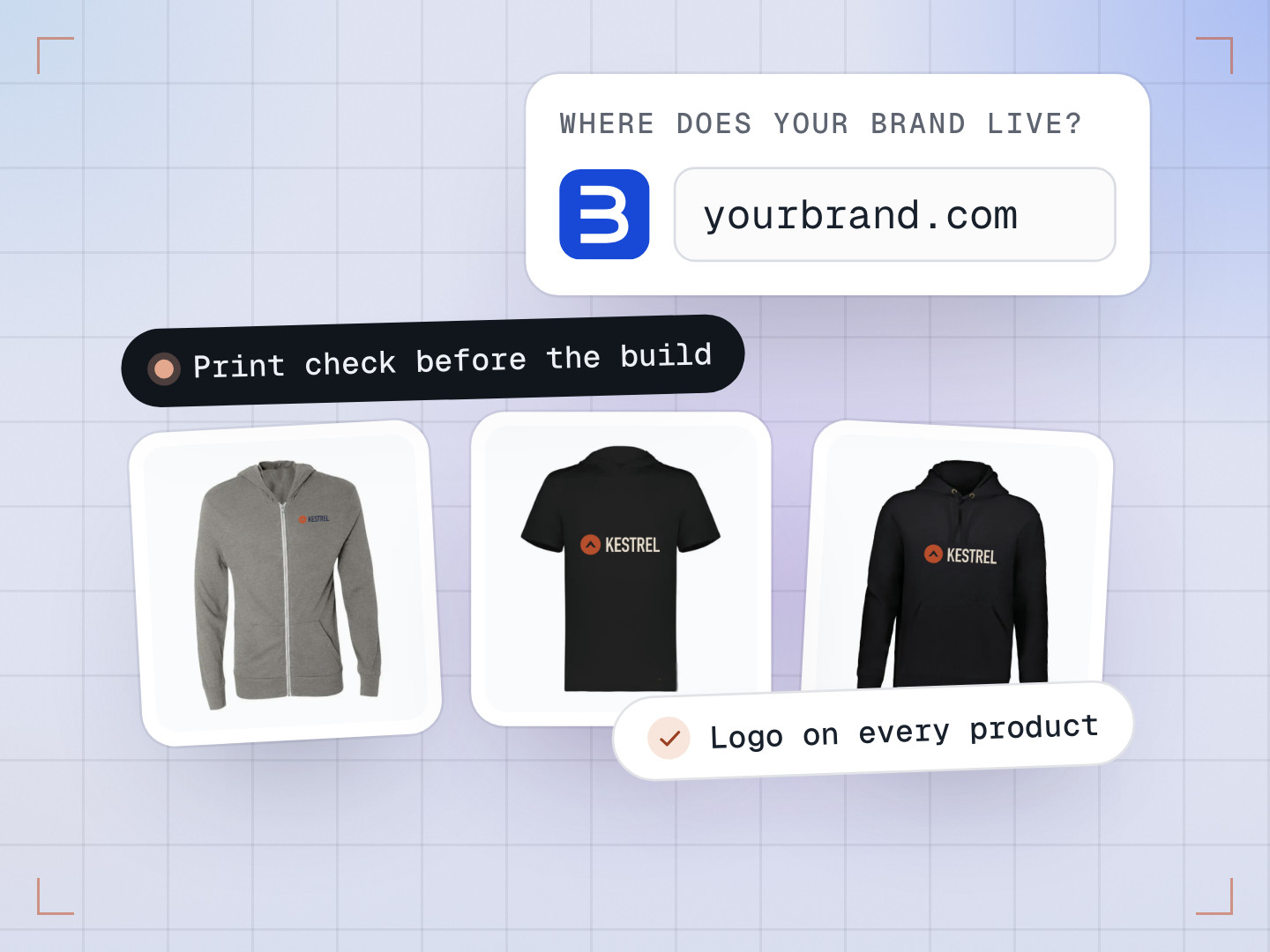
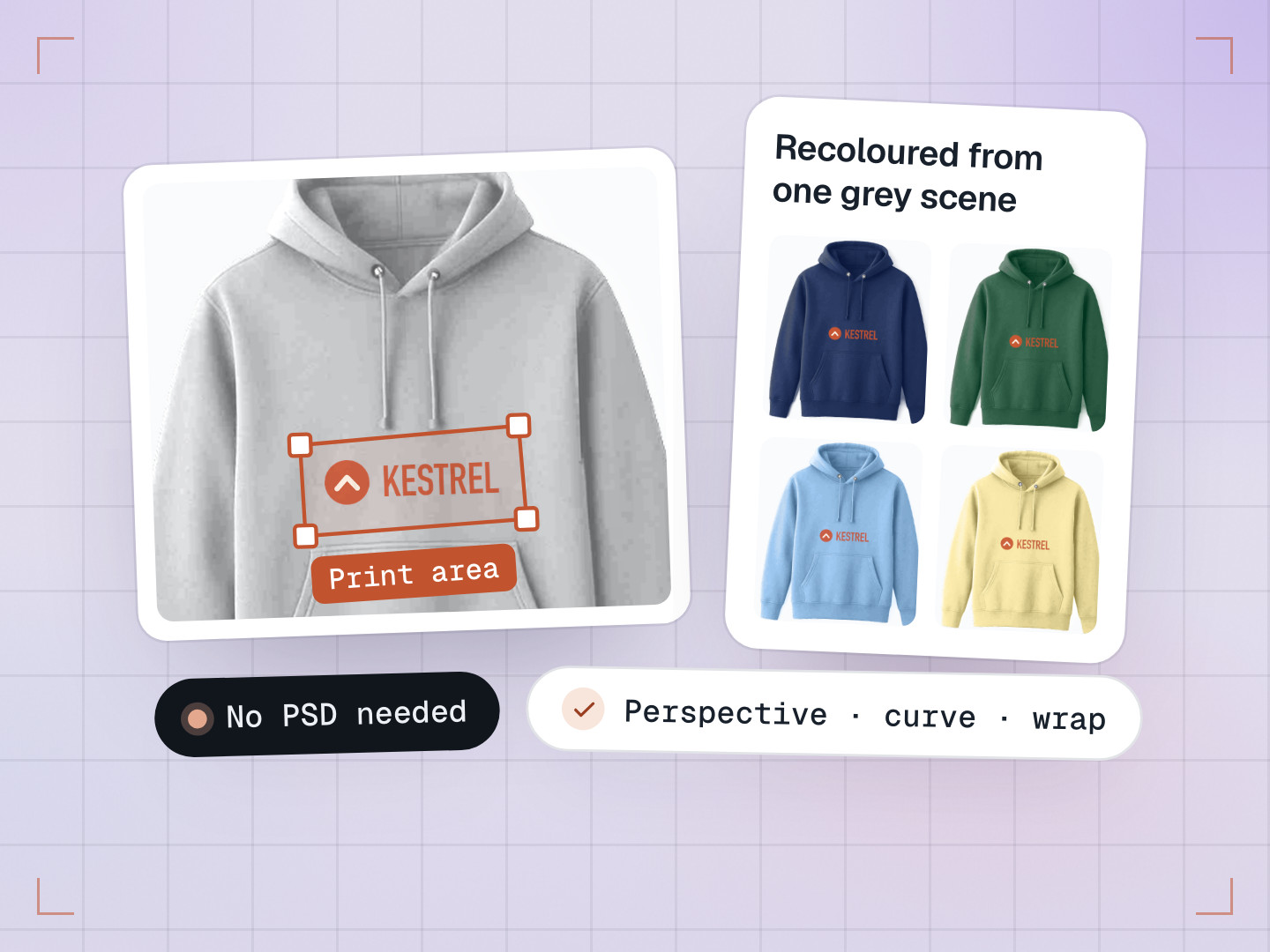
- HQ builds a master product and draws its design rules in the Studio SDK’s BackOffice: the print areas, the safe and cut-off lines, which design tools are switched on, and how customers will personalise it.
- HQ can also make an optional master design in the studio, such as a business card layout with the brand’s fonts and colours already in place.
- A location picks the master products it wants and clicks “Add to Store”. A step-by-step wizard copies them, lets the owner adjust the details, pricing, design rules and design, and can push them straight into one of their microstores. A selection can be saved as a template for next time.
- A microstore picks products from its location’s catalogue and decorates them in the studio. It can’t change the design rules: those are inherited from the location and locked, so a school store can never put a logo where the press can’t print.
- On the storefront, a customizable product’s page becomes the DesignMint studio, from the Studio SDK. The customer personalises it, picks sizes and colours, and adds several lines to the cart in one go.
- The order arrives at the location with everything production needs: a mockup, artwork for each print area, and DST stitch files for embroidery, all downloadable as one zip.
- Mockupfront-mockup.pngFor the proof
- Artworkleft-chest.pngTrue size · per print area
- Artworkback.pngTrue size · per print area
- Stitch fileleft-chest.dstStitch count · thread codes
Two ways to personalise: a form or a full editor
Not every customer wants a design tool. Someone ordering business cards for a new hire wants to type a name, a job title and a phone number, check the proof and pay. Someone ordering hoodies for a club might want to move the logo, add a slogan and try three colours.
So every product has one setting, chosen in the BackOffice: Studio, Form, or Studio + Form. Every customer starts on the product page; the setting decides whether the full editor is ever offered.
- Form keeps the customer on the product page, filling in a text box (“Type the text to print”) or an artwork slot (“Drop artwork, or browse”) for each design area. The template sets the layout and fonts, and the full editor is never shown.
- Studio and Studio + Form show the same form first, with an “Open studio” button that opens the full editor: text, icons, uploads, colours, layers, embroidery and templates. HQ can switch each tool on or off per product.
Templates are built in the studio itself. An admin marks a text box as an input, then decides how tightly to lock it. A full lock removes it from the customer’s form entirely. A position lock lets the customer change the words but not the size or placement; without one, the form offers simple size and alignment controls. For a franchise brand, that’s the difference between a business card that looks like the brand and one that doesn’t.

Big orders work the same way. Upload a CSV and each row becomes a line, with one column per personalisation field. That’s how a company orders business cards for a whole team in one go.
Keeping every store apart on one backend
One backend for every location and every microstore is efficient, but it raises a serious question: how do you make sure one store can never see another store’s orders, customers or prices?
Every storefront has to prove which store it is before the backend answers a store-specific request, and the backend refuses anything it can’t verify. That check lives in one shared place rather than in each route, so a new route can’t quietly skip it. Getting there meant replacing many copies of similar checking code with one.
Customer accounts follow the same idea: a login belongs to one store. Payments run through each location’s own Stripe account and tax through its own TaxJar keys, and the backend checks that the store taking the payment really owns the items in the cart.
The lesson we keep relearning: separate things by structure, not by remembering. A check built into the structure can’t be forgotten the way a filter on each route can.
A content editor that shows the real page
Storefront homepages are edited with one shared content editor, built into the HQ admin and the microstore panel and ready for the franchise panel. It has nine section editors, from hero slides to footer menus. Its preview isn’t an imitation: it loads a preview page from the real storefront in a frame, built from the same components, so edited sections look just as they will live. Product sections show as labelled placeholders while you edit.
Emails get the same care: 60 transactional templates, 23 of them just for microstores, each branded at its own level with a logo, sender name, colour and font.
Bugs that taught us something
- The address that grew on every save. The store settings form split the saved web address before the root domain had loaded, so every save added the domain again, and example.com became example.com.com. It now waits for the domain, lower-cases everything and only accepts characters a web address can use.
- White screens after every release. The host kept serving a cached copy of the app’s entry page that pointed at old files. The missing files fell back to the entry page, so the browser got HTML where it expected JavaScript and showed a blank screen. Now the entry page is never cached, versioned files are cached for good, and a missing file returns a proper “not found”.
- Add to cart that never finished. A location without a tax key made the tax step throw an error, and the button spun forever. Checkout no longer waits on the tax service, and the franchise panel now flags a missing or rejected key, and checks Stripe keys before saving them, so owners can fix it.
- Simpler by deleting. Microstores first had their own design-rules step. Removing it, so microstores simply inherit the rules from their location, took more than 550 lines of code out of the microstore panel and closed off a whole category of mistakes.
How this compares with off-the-shelf web-to-print
Franchise web-to-print isn’t a new idea, and good platforms exist. Aleyant Pressero lets corporate manage one master catalogue and lets franchisees adjust prices within set bounds. OnPrintShop lets the franchisor lock brand elements in templates and assign global products, while each location gets its own branded storefront and sets its own markups. Infigo offers brand-locked templates, approval workflows and many storefronts from one admin. If you need a packaged product quickly, they are worth a look.
| This build | Aleyant Pressero | OnPrintShop | |
|---|---|---|---|
| Catalogue from HQ | Master products each location picks and copies into its store | One master catalogue for all franchisees | Global products assigned to locations |
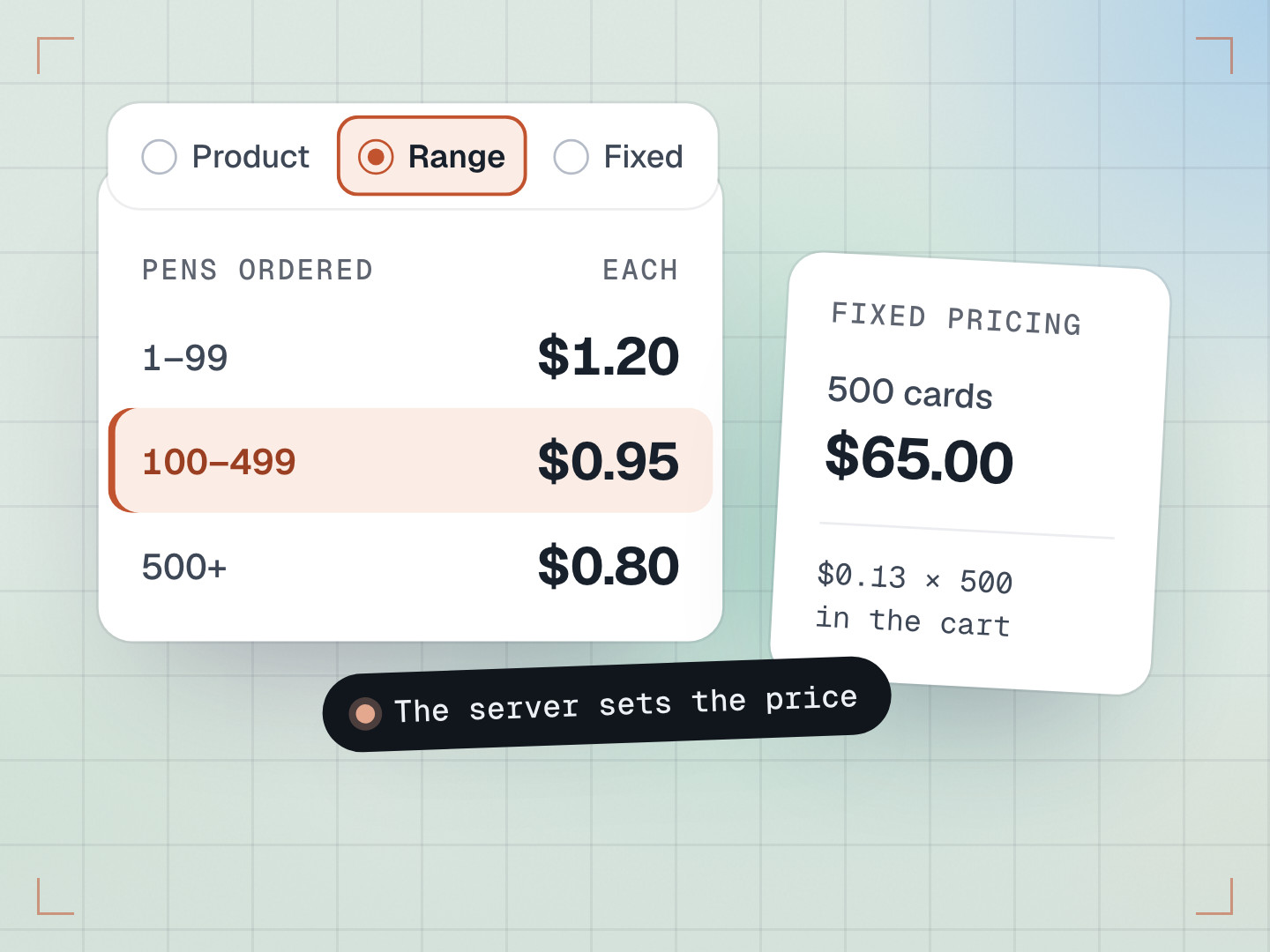
| Franchise pricing | Resale pricing with cost locks and price floors | Adjust within bounds set by corporate | Franchise owners set markups |
| Online designer | DesignMint Studio SDK: form, or form plus the full editor, per product | eDocBuilder: form on every plan, online designer from the Advanced plan | Designer Studio from the Platinum Startup plan |
| Published pricing | Custom build | Plans from $399 a month | On request |
Checked on each vendor’s own website in October 2026.
What this network needed was a particular combination in one system: three levels with products and their rules passed down the chain, design rules set at HQ, adjusted by a location where needed and locked for microstores, a form and a full studio on the same product page, resale pricing that protects every level’s margin, and production files on every order line, including DST stitch files with stitch counts and thread codes for embroidery.
What we learned
- Model the business first. Once the three levels were right, most features fell into place.
- Put rules where the expertise is. HQ sets the print rules, each location can tune them, and microstores inherit them locked.
- Isolation is a design decision, not a checklist.
Common questions
What is web-to-print?
Software that lets customers design, proof and order printed products online, from business cards to banners and branded apparel, with print-ready files sent straight to production.
Can each franchise location have its own online store?
Yes. In this build every location gets its own panel and its own storefront on its own web address, and can open microstores for its own customers.
What is the difference between the form and studio experiences?
The form keeps customers on the product page, filling in fields inside a template’s layout, which suits business cards and stationery. The studio adds a full design editor for products where customers want creative control, one click away from the form.