If you run a print or decoration business, your best leads are the companies, schools and clubs already in your area. The hard part is turning a lead into a store. Someone has to collect the logo, choose products, make mockups, set prices and build a site, and only then can the customer place an order. Most of that work happens before you’ve earned anything.
Brandfora, a platform built with the DesignMint Studio SDK, does that work for you: it builds company stores for a decorator’s clients from a website address, ready to print on the decorator’s own presses. You start with a website address or a logo file, and you end with a branded store, the logo already on every product, ready to share.
From a link to a finished store
The self-serve flow is called RapidStore. It’s built, and for now new customers start with a demo. Brandfora reads the brand and suggests a store name and an industry, both of which you can change. The industry decides which curated catalogues you can stock the store with. It runs in a handful of steps:
- 01Paste an address or upload a logo
Everything starts from a website address or a logo file.
yourbrand.comUpload a logo file - 02Brandfora reads the brand
A brand-data service sends back the logos and the name, and an industry is suggested. A second service steps in if the first can’t help.
KESTREL- Store name
- Kestrel
- Industry
- Teamswear
Other versions - 03Pick a curated catalogue
The industry, such as teamwear or corporate merchandise, decides which curated catalogues you see.
Curated for TeamswearTeam kit✓Warm-ups - 04Pass the print check
The logo is checked for print quality before anything is built, so a low-resolution logo leaves nothing half-built to clean up.
300 DPI or moreat the largest print areaPasses150 DPIthe message says whyToo low
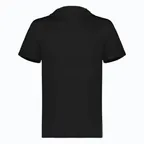
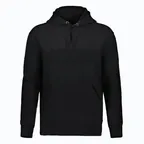
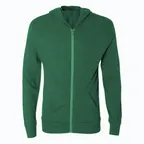
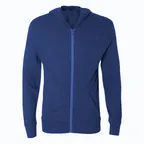
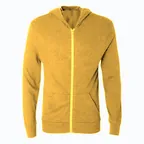
Create an account and Brandfora builds the store: your logo on every product, a theme from your brand colours, and a preview you can publish, view or keep editing.
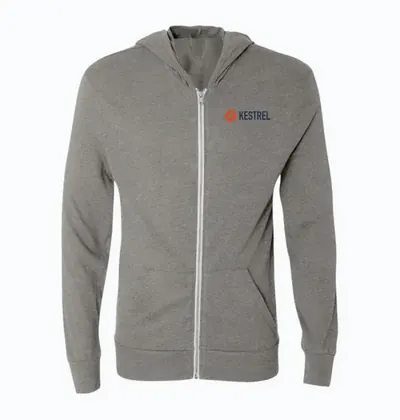
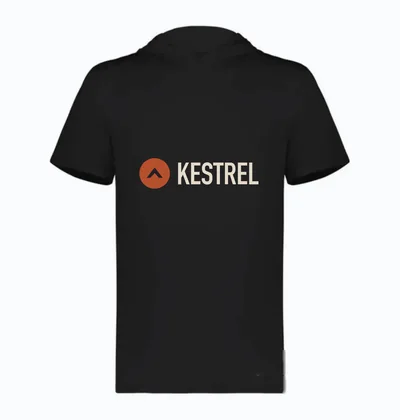
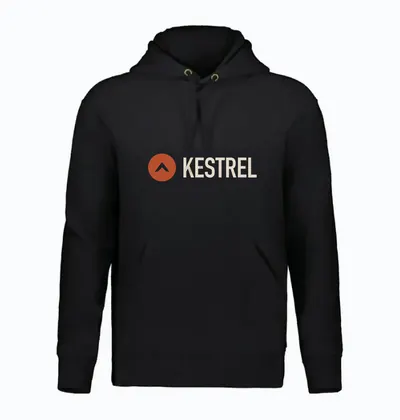
What happens when you press create
Behind the progress screen, a single request to the backend does everything in order. It creates your login, the store and a unique web address, picks the store’s pricing sheet, saves your artwork, and then puts your logo onto every product. When it’s done, you see a preview of the store and can publish it, view it or keep editing.
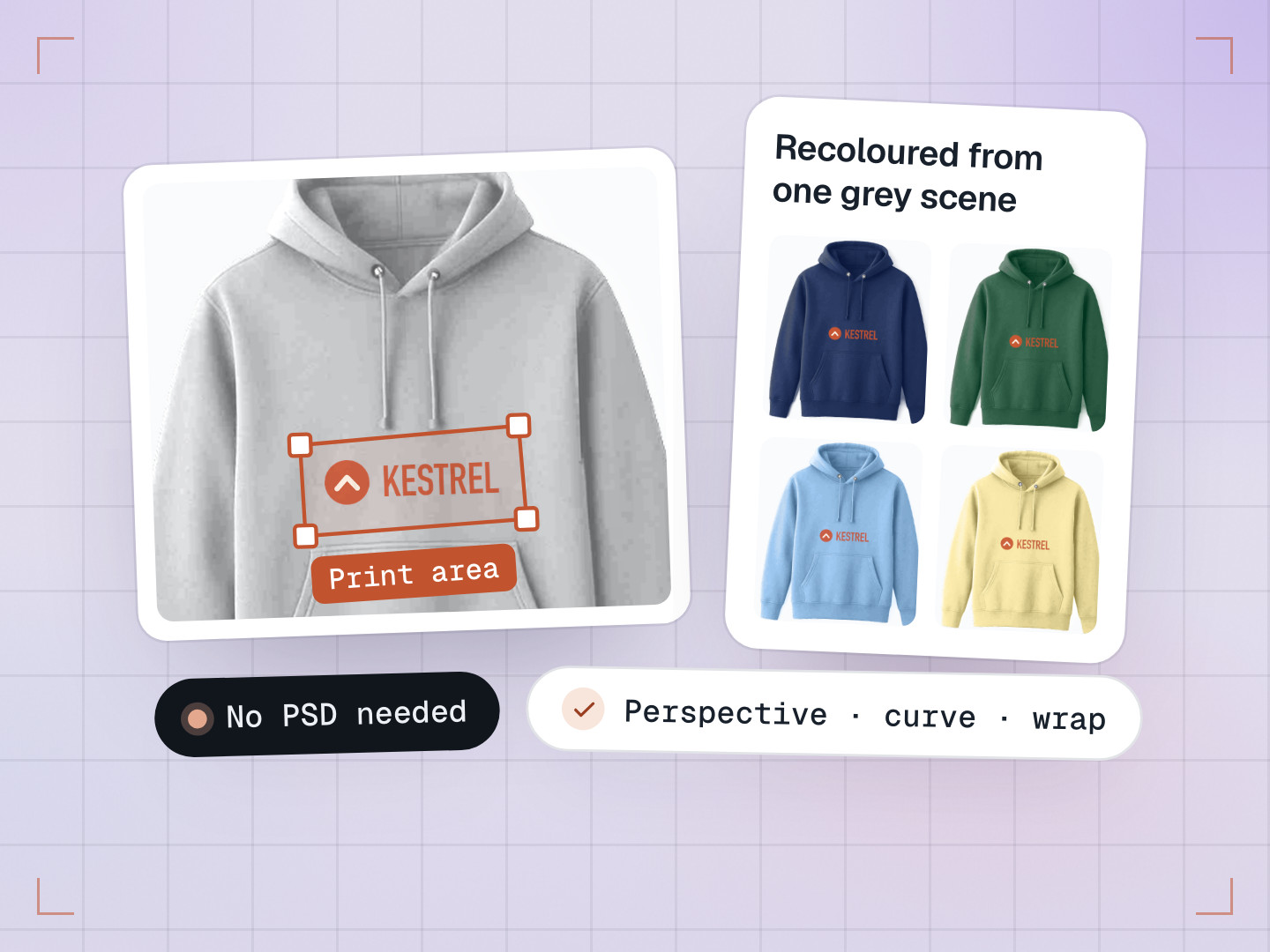
That last step follows DesignMint’s design-area model. Every product in the catalogue already has its print areas mapped: where a logo can go on the front, back or sleeve of the product photo, with the same areas used for every colour. Brandfora places the logo inside those areas, scaled to fit without stretching, and renders it once per colour. Engraving products automatically get a greyscale version of the artwork. Products are added one at a time, so if one fails you lose that product, not the whole store.
Each mockup is saved in three sizes, one for each job: a small image for product cards, a medium one for product pages and the cart, and a full-size PNG for the decorator’s print preview. An earlier version saved nine files per mockup, three sizes in three formats; keeping only the three actually used cut that to three files.
Then the store dresses itself. Brandfora builds a theme from the brand’s colours, fonts and logo, and picks white or near-black text for the brand colour, using white when it reaches the 4.5:1 accessibility standard and otherwise whichever reads more clearly. It only replaces the starter theme or a theme it made itself, so setting up the store never undoes your own styling. Every store starts with a homepage and starter pages, so nothing is ever blank.
A logo that looks fine on a website can blur on a hoodie
A logo 300 pixels wide looks crisp in a website header. Printed across the back of a hoodie, it turns into a blurry mess. So Brandfora checks print quality before it builds anything.
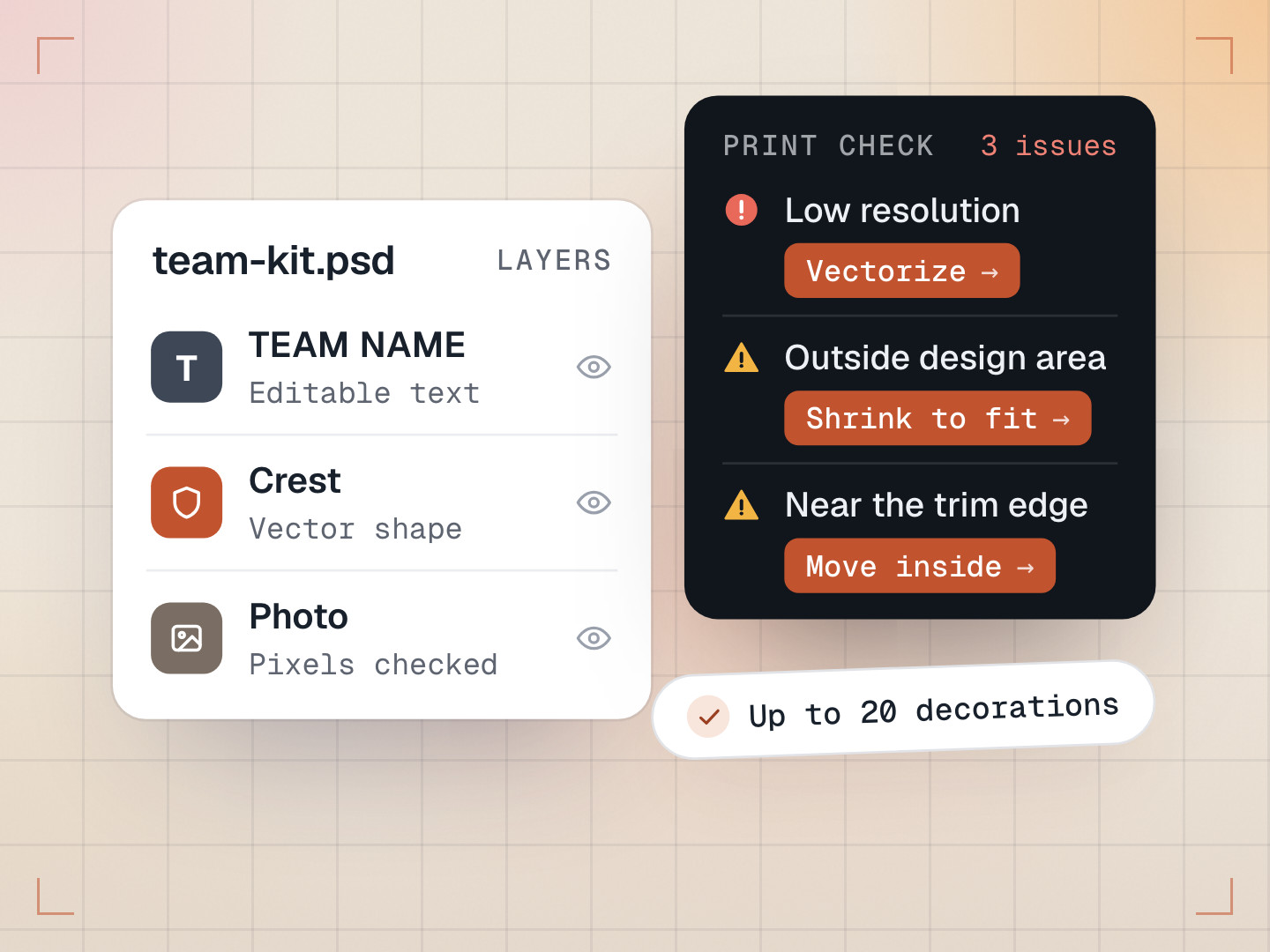
The check works out the logo’s real resolution against the largest print area in the catalogue you chose: the logo’s longest side in pixels divided by the longest side of that print area in inches. It needs at least 300 DPI (dots per inch), the usual standard for sharp print. If it can’t measure the print area, it falls back to a simpler rule: at least 1,200 pixels on the long side, which is roughly 300 DPI over four inches. Vector logos always pass, because they scale without losing detail.
Because the check runs first, a low-resolution logo leaves nothing half-built to clean up. The message is specific, too: it tells you the DPI your logo would print at and the print-area size. When the print area can’t be measured, it tells you how many pixels the logo has against the 1,200 it needs.
Sharp enough. The store gets built.
Your logo would print at 150 DPI on a 12 in print area.
Running the store
Once a store exists, its owner gets an admin with what a small business needs: orders, customers, products, a library of designs and assets, payments and a visual editor for the storefront’s pages. Stores come in six types: public, redemption, fundraising, pop-up, employee and private (the private type is still rolling out). Each has its own rules, and all share one lifecycle: draft, scheduled (for pop-ups), live, paused and archived.
Every store gets an always-on address on the platform’s own domain, and can connect its own domain with a managed security certificate. Once the custom domain is live, it becomes the address search engines index. The platform address keeps working, but it’s marked not to be indexed, so the store never shows up twice in search.
Prices that cascade
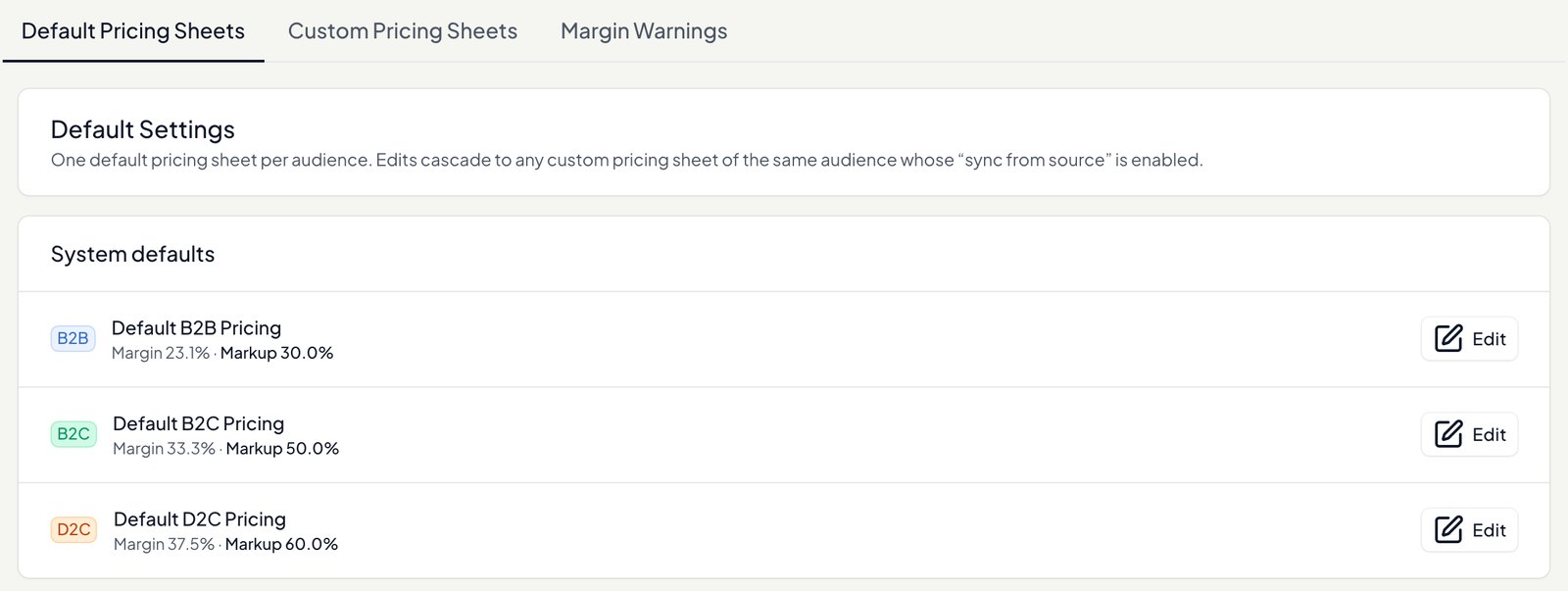
Brandfora prices through a chain of pricing sheets. The platform sets wholesale, a seller adds a markup, and each store has its own B2C, D2C or B2B sheet on top. Change one number and everything downstream recalculates, while each level keeps its own markup. For example, with a 30% seller markup and a 54% markup on the store’s B2C sheet:
| Price | After wholesale rises to $55 | |
|---|---|---|
| Wholesale | $50.00 | $55.00 |
| Seller (markup ×1.30) | $65.00 | $71.50 |
| Store, B2C sheet (×1.54) | $100.10 | $110.11 |
Bugs that taught us something
- Stock that froze inside cached pages. Store pages were cached at the edge for speed, with stock levels baked in. A store on both its own domain and a Brandfora address could show a product in stock on one and sold out on the other. Stock now loads live, in one small batched request per page, and if that request fails the page keeps what it had instead of guessing “sold out”.
- Twelve database reads, one lookup. The price engine can make up to twelve database reads for every product card on a page. We’ve built a cache that answers with a single lookup, clearing entries whenever a price changes, and it’s switched off while we finish rolling it out. One rule is already fixed: a display cache must never price a charge, so the cart and checkout always use the live engine.
- A store that said “unavailable” right after publishing. Looking up a brand-new store address briefly failed, and that failure was cached as long as a success, so a new store could look broken for a while after publishing. Now a failed lookup is forgotten within seconds, while a successful one is kept for a few minutes.
- Secure connections that never arrived. A custom domain’s verification result was saved inside an error handler that swallowed failures, so the dashboard showed “Never checked” while nothing happened. The save now logs loudly when it fails.
How Brandfora compares
There are good ways to sell branded merch online. The real difference is who does the work of getting the brand onto the products.
| Brandfora | Printify Pop-Up Store | Printful + Shopify | SwagUp Shops | |
|---|---|---|---|---|
| Getting the logo on | Read from your website, then applied to every product | You add or create designs in Printify’s Product Creator | You design in Printful’s Design Maker | Their team sends mockups for your swag order |
| Built for | Decorators running stores for their clients | Creators and beginners | Shopify sellers | Teams, customers and events |
| To start | Book a demo | Free, no monthly fees | Free app; Shopify from $29 a month billed yearly | Gold plan from $400 a month on an annual plan, or a monthly shop fee |
Checked on each vendor’s own website in October 2026.
One timely note: Spring, formerly Teespring, is shutting down. Its selling tools closed on September 15, 2026, account access ended on October 15, 2026, and the full shutdown is planned for mid to late October. If a client’s merch store lived on Spring, a decorator running Brandfora can rebuild it from the client’s website address.
What we learned
- Do the work before the sale. A store that already shows the customer’s logo sells itself.
- Check print quality at the door, not at the press.
- Keep stock and prices out of cached pages. A display cache must never price a charge.
Common questions
How does Brandfora get my logo?
You paste your website address and Brandfora asks a brand-data service for your logos and brand name, with a second service as a backup. You can pick a different version or upload your own file instead.
What if my logo is too low-resolution to print?
Brandfora checks it before building anything. It needs at least 300 DPI at the largest print area in your catalogue, or 1,200 pixels on the long side when the print area has no measurements, or a vector file. It tells you what it measured.
Can a store use its own domain?
Yes. Every store has an address on the platform’s domain, and can connect its own domain with a managed security certificate. Once it’s live, the custom domain is the one search engines index.