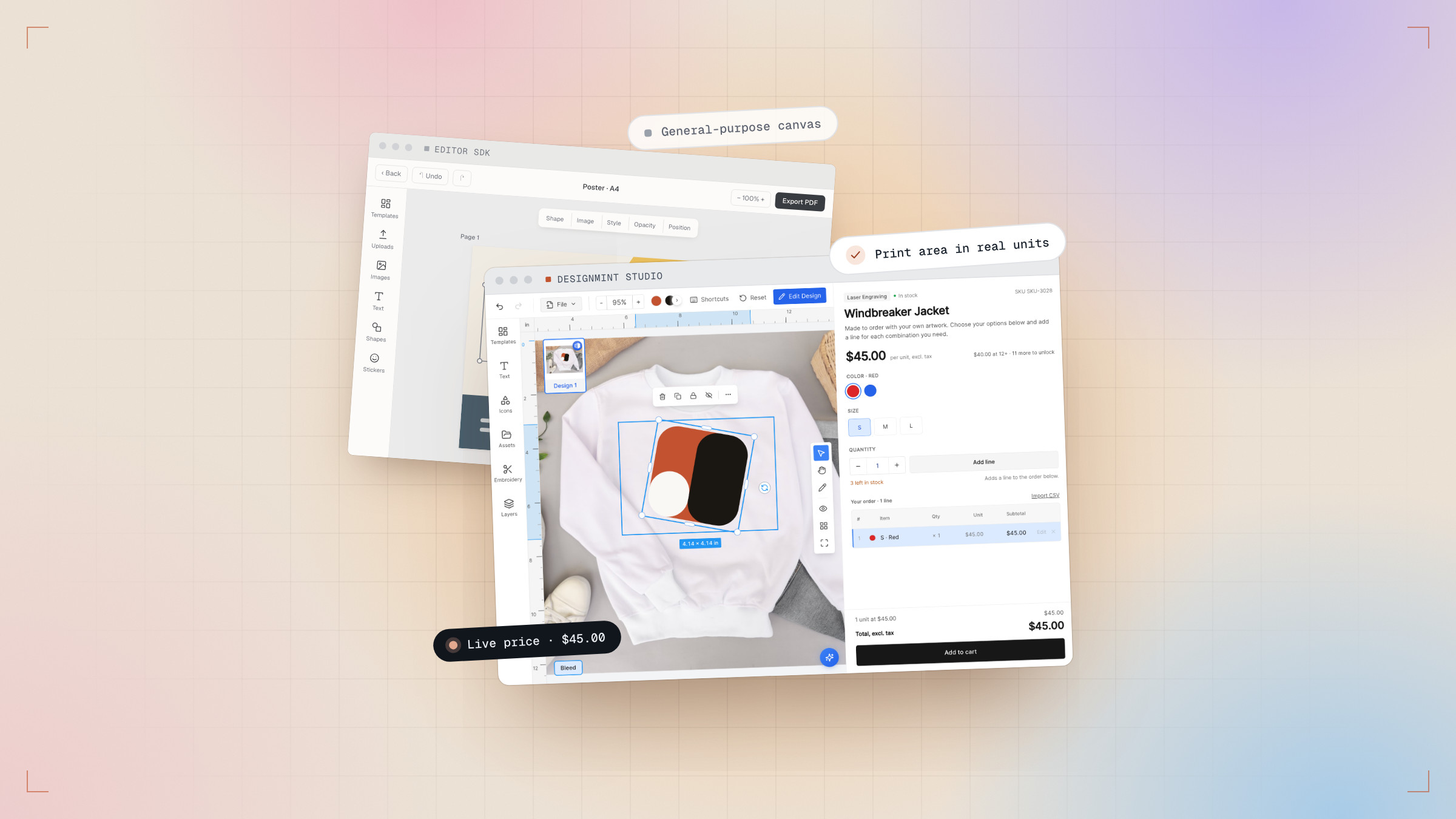
A design that looks right on screen can still print wrong. A canvas measured in pixels has no idea how big a chest print is, and a customer zooming in has no idea their logo is about to print at 96 DPI.
So the studio doesn’t measure in pixels. Every print area is drawn on the real product, in real units, before a customer ever sees it.
Drawing the rules in Backoffice
For each product and each side, you draw the print areas directly on the product photo and attach the rules that come with them:
- The area itself, in millimetres — a 280 × 350 mm chest print is exactly that.
- The techniques allowed there, each with its own price.
- Allowed fonts and colours, and the minimum DPI the artwork has to hold.
- Locked layers and templates, so a brand’s mark can’t be moved off its spot.
What the customer sees
The customer designs inside those rules without reading them. A logo that would print soft is flagged while they are still designing, not after the press has run. Switch the technique and the design re-checks itself against the new rules.
280 × 350 mm in the studio is 280 × 350 mm at the press. No scaling surprises.
True to size, every time
Export is calibrated in the same units: per technique, per side, a print-ready file at exactly the size it was designed. The file that lands with the order is the file the press needs — nobody re-opens it to fix the scale.