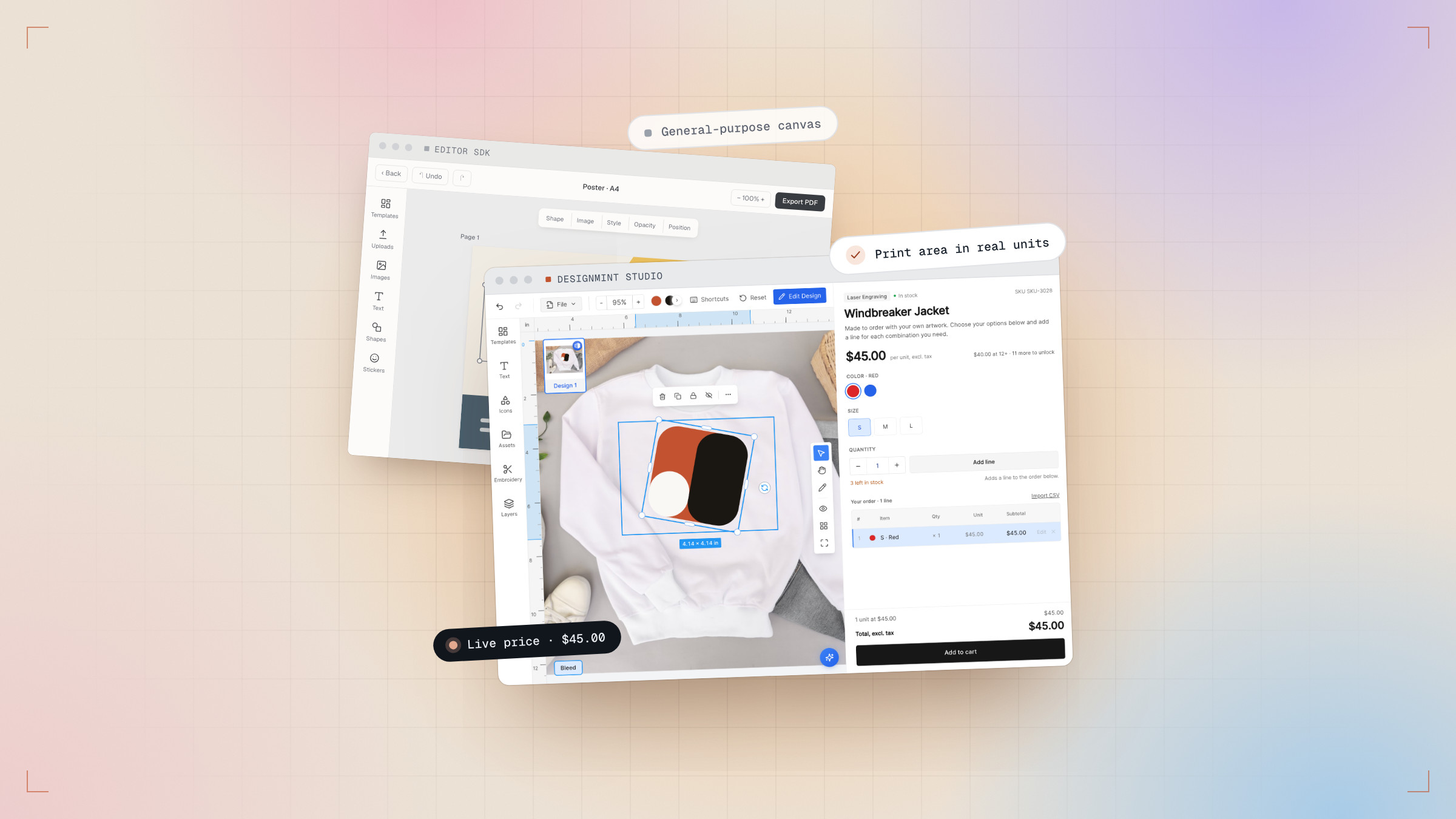
If you already run a storefront, you don’t need our store to sell custom products. The SDK puts the same studio inside your own React app — the rules engine, the preview and the true-to-size export included.
Install
Both packages are published privately under the @intuio scope. Ask the DesignMint team for an access token, add it to your project’s .npmrc, then install:
1npm install @intuio/designmint-studio2npm install @intuio/designmint-back-office-sdkMount one component
The studio is the default export and needs no providers or wrappers. Give it the metadata your Back Office produced, your priced catalog and your backend details — it handles the rest.
1import DesignMintStudio from "@intuio/designmint-studio"23export function ProductStudio({ metadata, products, customer }) {4 return (5 <div className="h-screen min-h-0">6 <DesignMintStudio7 metadata={metadata} // Base64 string from the Back Office save()8 products={products} // your priced catalog9 productCanvasData={{}} // or a previously saved canvas-data map10 backendUrl={BACKEND_URL}11 publishableKey={PUBLISHABLE_API_KEY}12 customerId={customer?.id ?? null}13 currencyCode="usd"14 onAddToCart={async (items) => { /* create the cart lines */ }}15 />16 </div>17 )18}The studio ships no CSS of its own — add the package to your Tailwind content globs so your build generates its classes.
Where to go next
The docs cover the rest: the studio props, the product catalog shape, saving and restoring a customer’s design, and the Back Office SDK your merchants use to draw the rules.