Design Zones Made Simple
Define which parts of your product can be customized, where safe zones are, and where bleed areas end.
Try the Starter KitHow It Works
Creating and managing design templates is easy with our intuitive admin interface
1
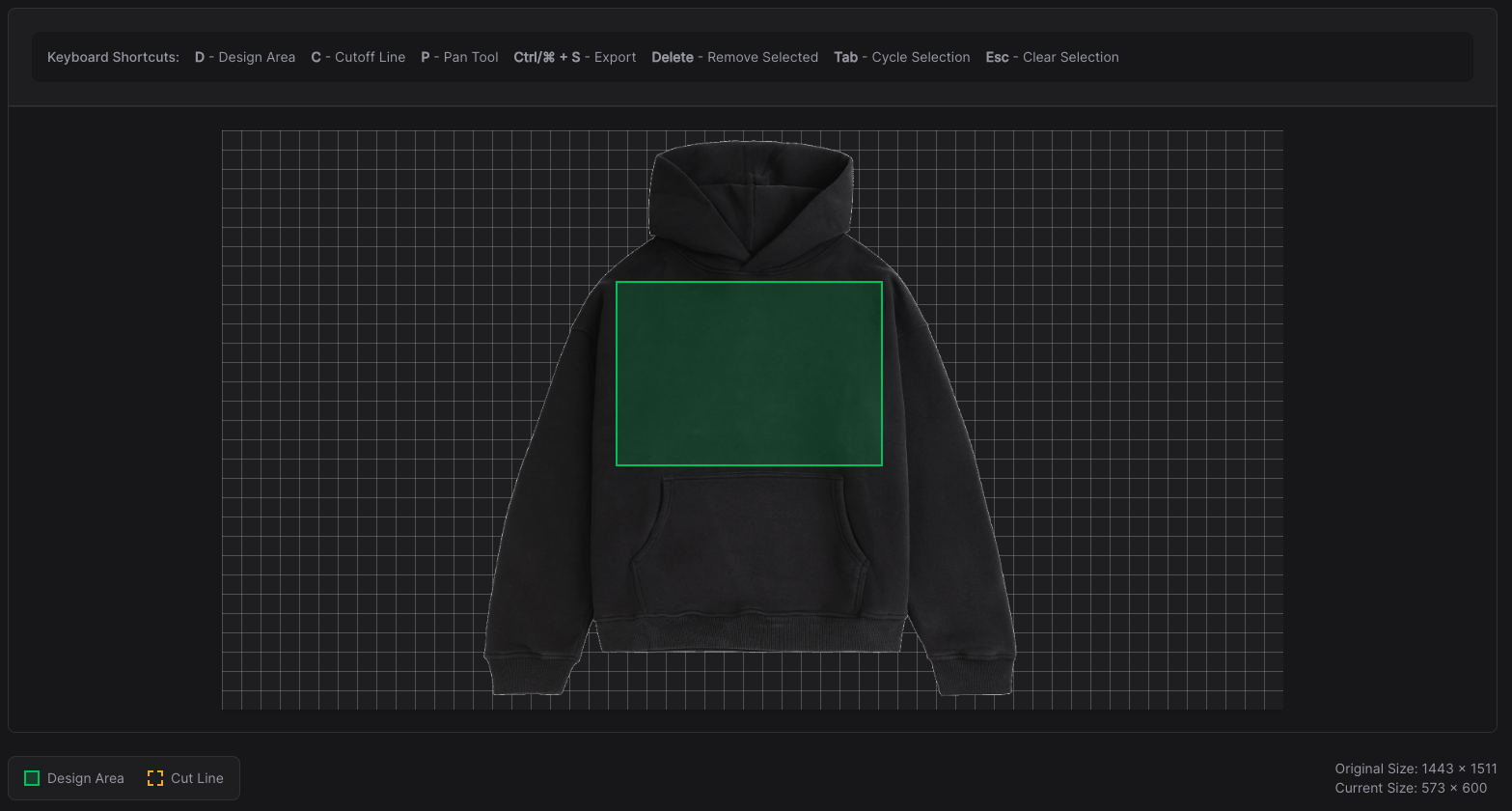
Draw the Editable Zone
Use our intuitive drawing tools to define the areas where customers can add designs.
2
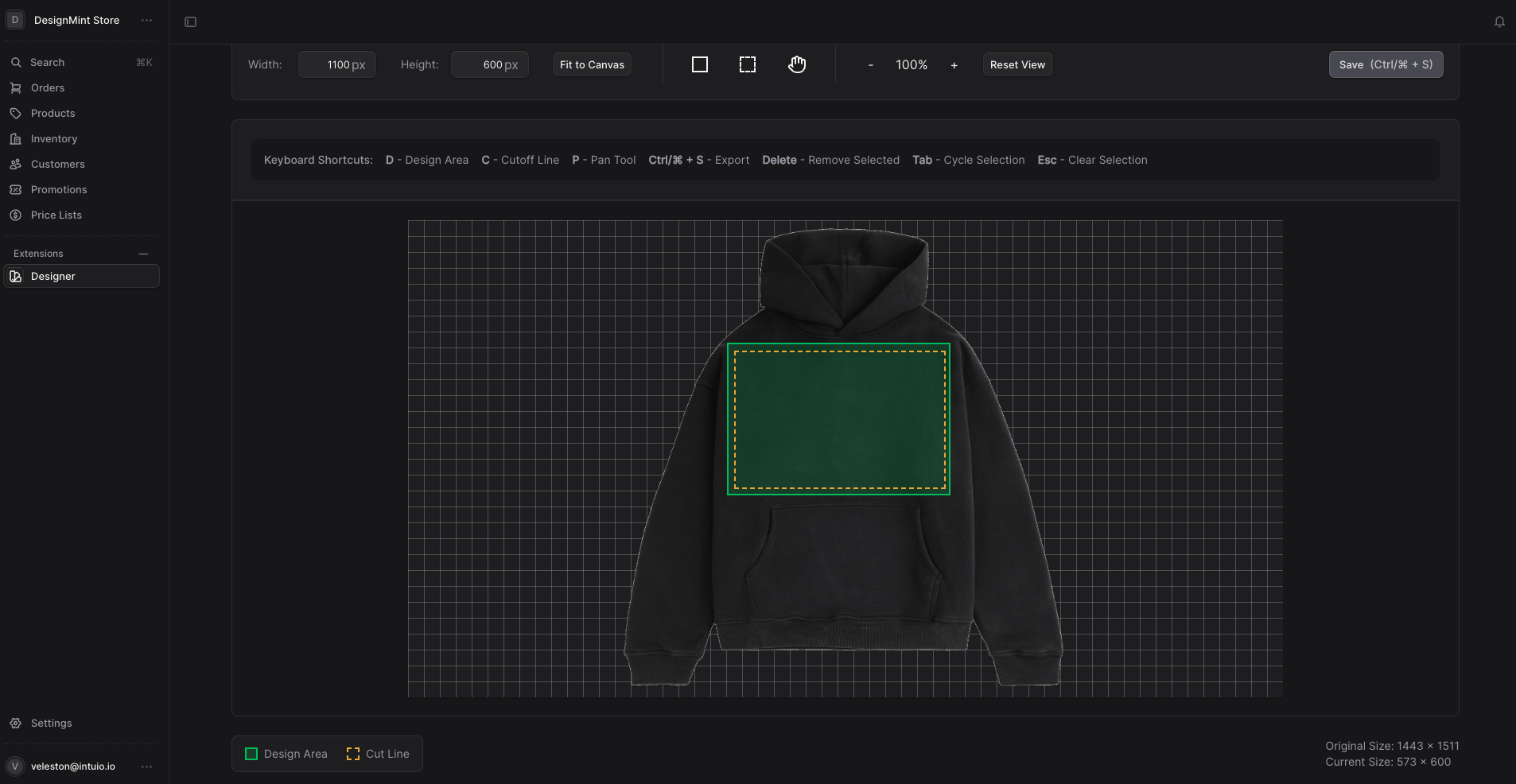
Define Rules
Set safe areas, bleed zones, and content restrictions for each template.
3
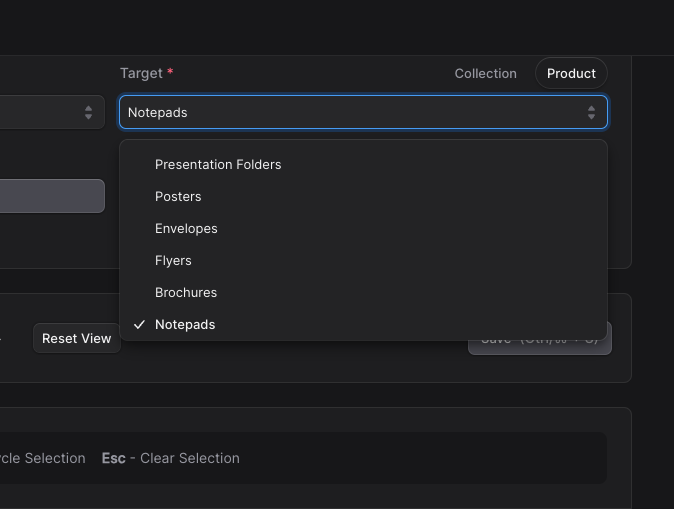
Assign to Product
Connect templates to products in your Medusa store with a few clicks.
4
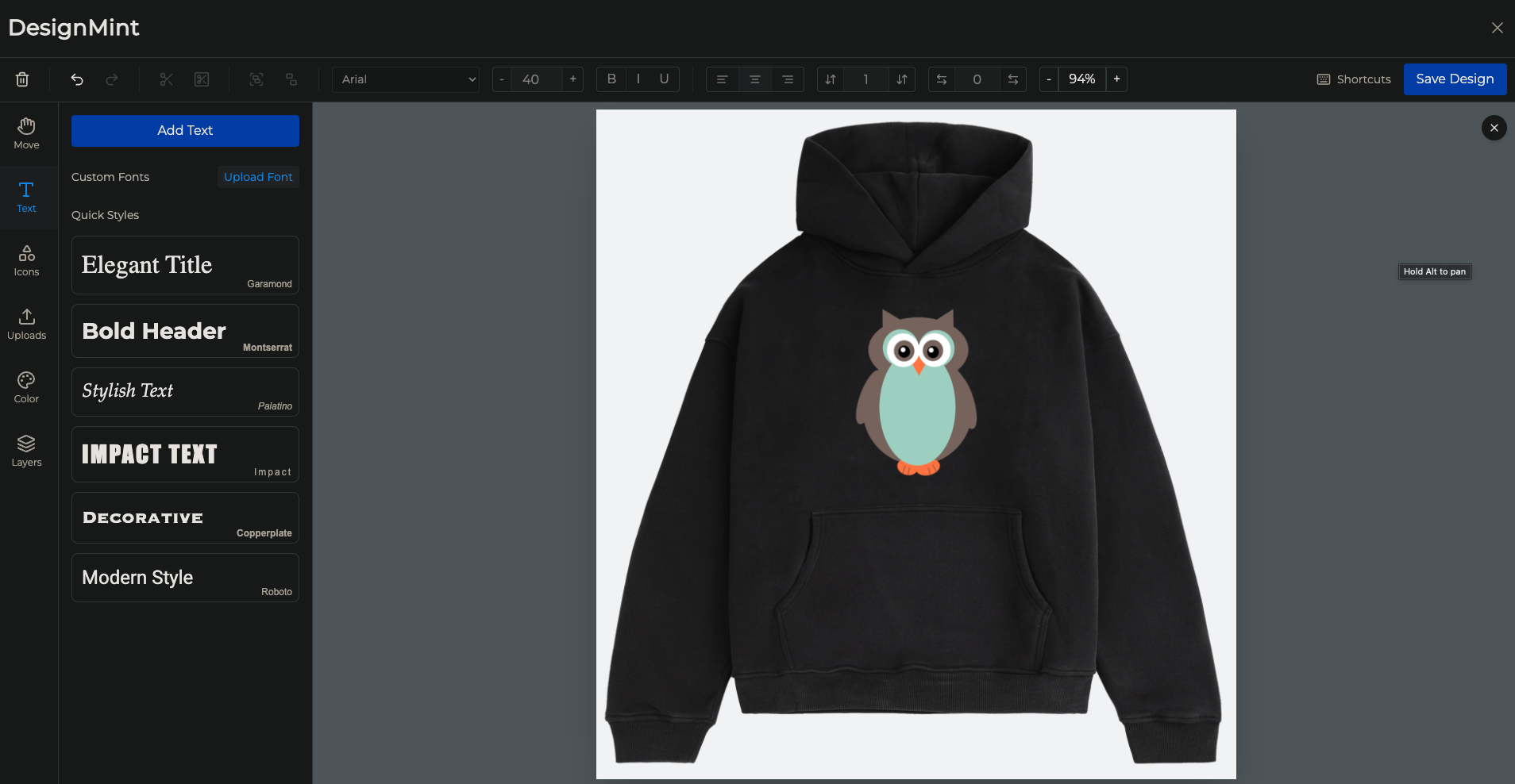
Output Preview
Generate high-resolution, print-ready files automatically when orders are placed.
Common Use Cases
DesignMint works with a variety of products and customization needs
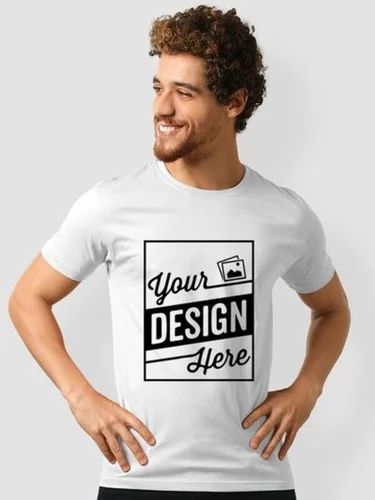
T-Shirt Front
Define print areas for the front of t-shirts with precise dimensions.
- Standard print area with safe margins
- Size adjustments for different shirt sizes
- Color restrictions based on shirt color
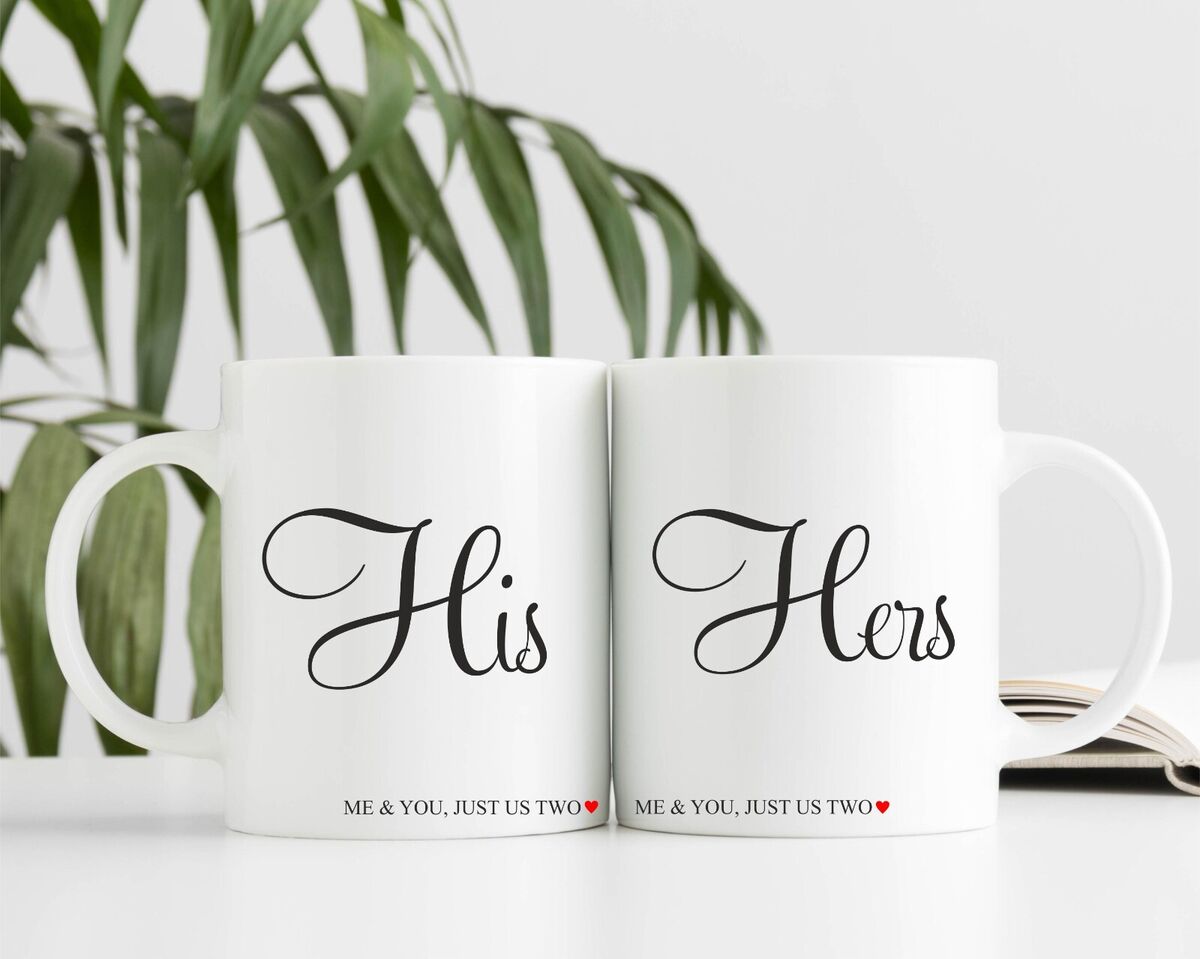
Mug Wrap
Create seamless designs that wrap around cylindrical products.
- Cylindrical mapping for accurate previews
- Handle and edge safe zones
- Seamless wrap alignment tools
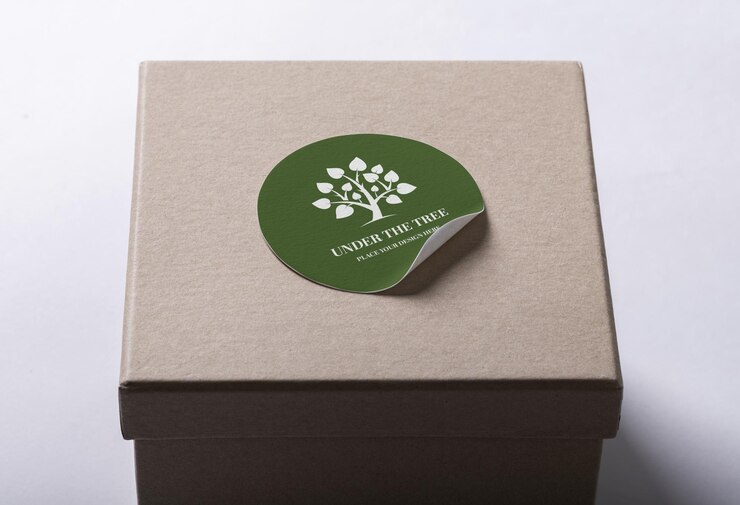
Custom Stickers
Create die-cut stickers with custom shapes and designs.
- Custom shape cutlines with preview
- Bleed area visualization
- White border options and transparency support
Ready to Create Your Templates?
Get started with our full starter kit and begin creating your own design templates today.